HYTE's Nexus 3.0 lets you control PC fans and lighting from your phone
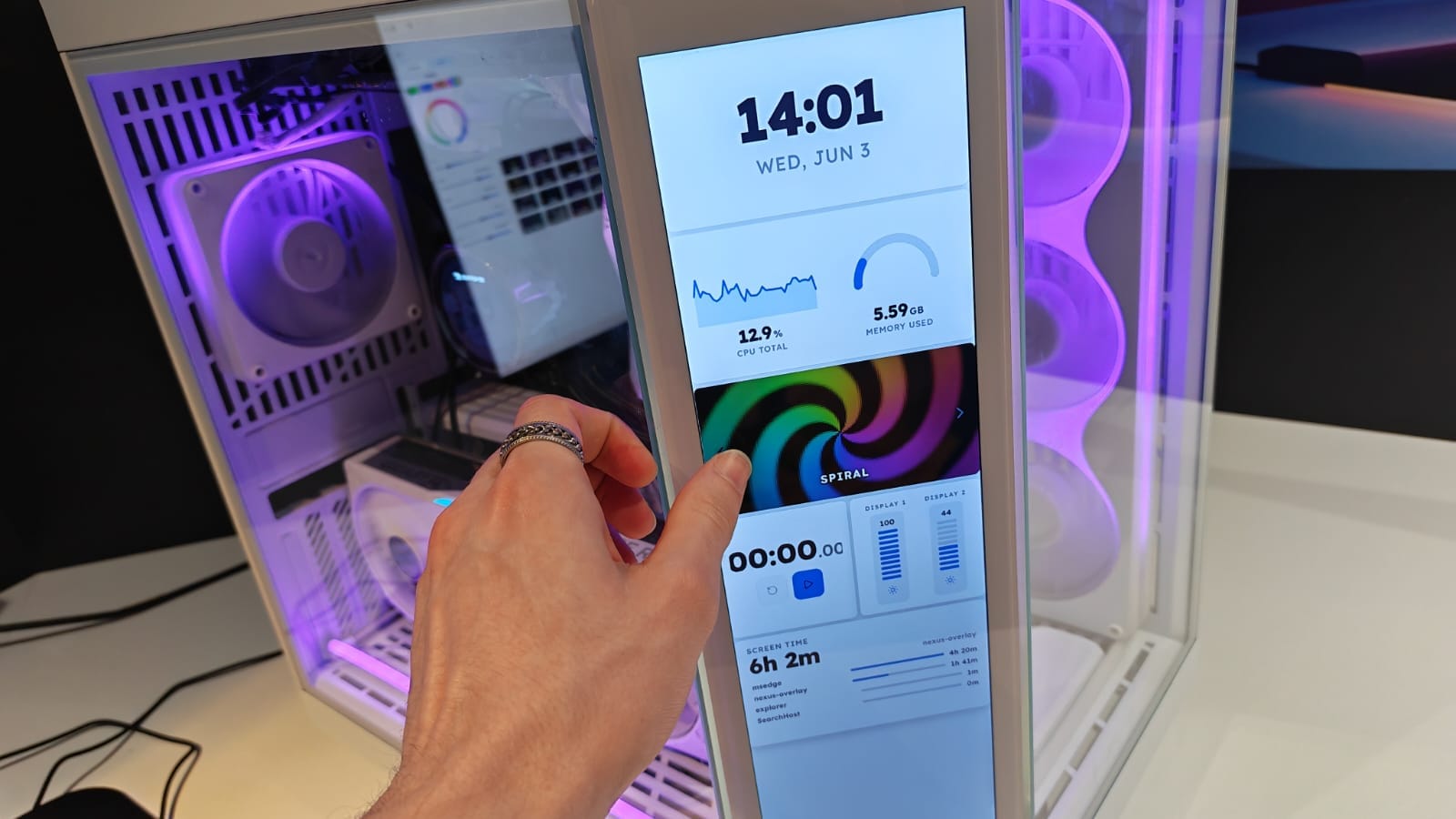
HYTE brought an updated Nexus 3.0 to Computex that lets you control a PC from a browser tab. You can scan a QR code with your phone, pair it, and adjust lighting, fan speeds, and display panel configurations, or simply track performance metrics remotely. In a demo I linked my phone, switched between three lighting modes that changed within about three seconds, then activated turbo fan modes and the case fans spooled to top speed in roughly five seconds.
A second attendee paired his phone to the same PC at the same time, made changes alongside me, and the system stayed responsive. Jeff Cheng, HYTE’s co-founder and Director of Sales and Marketing, called it the first app of its kind that’s fully cross-platform and said it could benefit sibling brand iBUYPOWER.
"With a simple way to access performance metrics and system settings, I could easily use this software to determine that a single fan is failing, and send them a new one," he said, avoiding the need to ship an entire PC back and forth.
hyte, nexus 3.0, computex, browser control, qr code, phone pairing, lighting control, fan speeds, ibuypower, performance metrics