Using Siri mode in the iOS 27 Camera app to ask about what I see
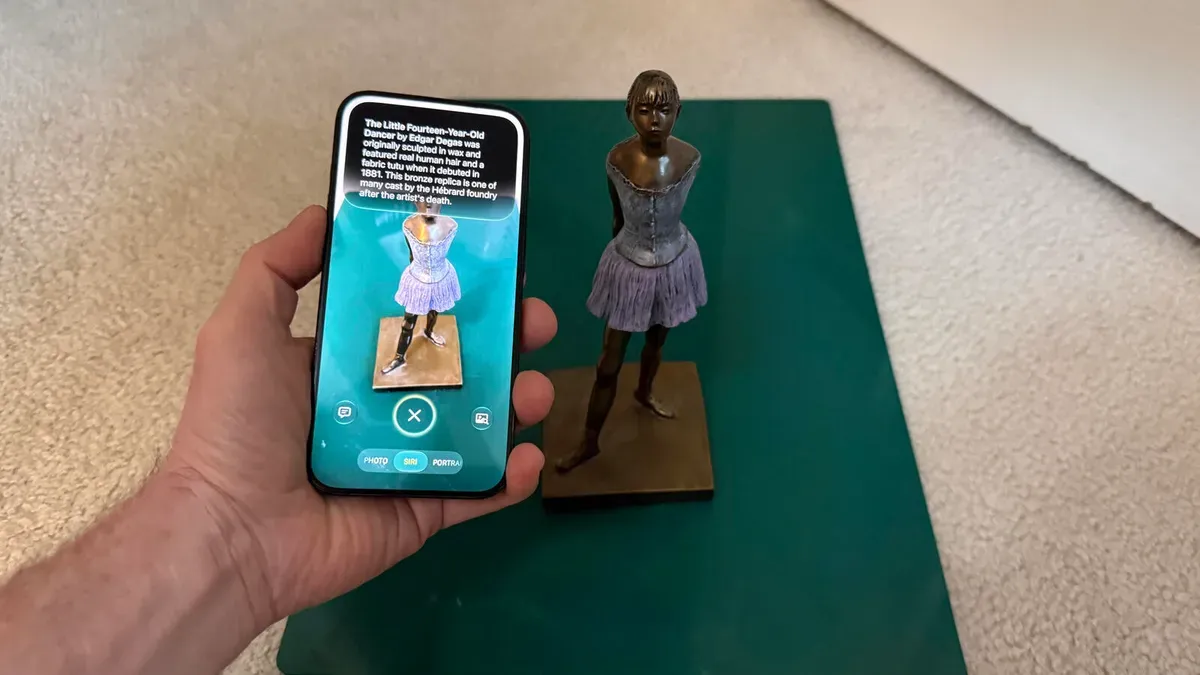
The new Siri mode in the iOS 27 Camera app lets you tap an icon while viewing an object and then ask Siri about it by voice, run a Google Search on the image, or send a photo to Siri for analysis. It appears alongside Photo, Video, Portrait, and Pano, and you can zoom in or out before tapping the shutter to capture the image for further analysis.
This is similar to the Visual Intelligence feature introduced in iOS 18.2, but with a key difference: previously you had to exit the Camera app to launch Visual Intelligence. With iOS 27, you can stay in the Camera app and kick off Siri without losing sight of the object.
Siri may display an identifying name, offer to translate text in a different language, or present options such as adding a detected date, time, and place to your calendar. Tapping the picture icon runs a Google search to show similar images, while the Ask Siri button opens a prompt with a thumbnail so you can type or dictate a question about the photo.
ios 27, siri mode, camera app, visual intelligence, photo mode, google search, image analysis, ask siri, translate text, calendar