Turn an old Android phone into a free streaming stick
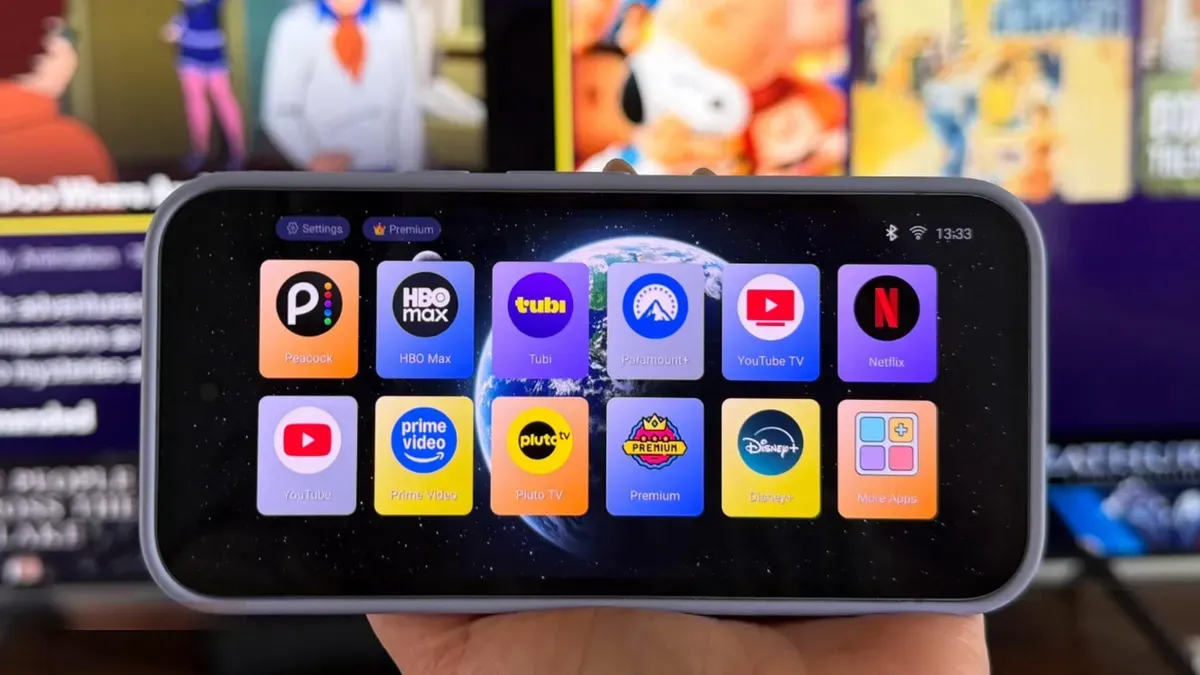
An old Android phone can become a DIY streaming device in minutes. You need a spare Android with Wi‑Fi and enough storage, an internet‑connected TV that supports casting or mirroring, a charger, a TV‑style launcher and optionally a dedicated casting app. You can also connect by HDMI if the phone supports video out.
Replace the phone’s home screen with a launcher to give it a TV‑like interface. TV Launcher is a free option; other choices in the Play Store include Projectivy Launcher, Easy TV Launcher and ATV Launcher Pro ($2.99). Launchers show large app tiles you can hide, arrange or group into folders for easier browsing from across the room.
Adjust the phone so the display stays on while you cast: increase the screen timeout or enable Developer options and turn on Stay awake, and keep the phone plugged into a charger during playback. To send video to the TV, use the Quick Settings Cast tile (or Screen Cast/Smart View).
android phone, streaming stick, streaming device, tv launcher, projectivy launcher, casting app, screen mirroring, screen timeout, stay awake, hdmi output