Try over 85 Linux distros in your browser with DistroSea
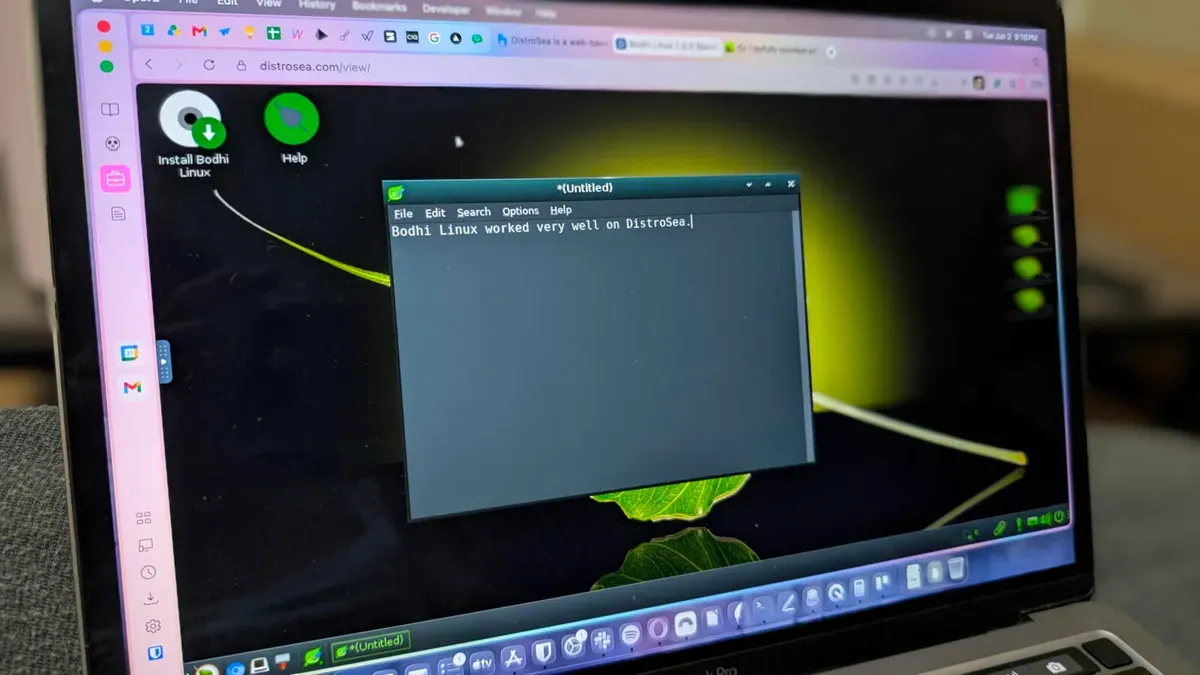
DistroSea lets you test dozens of Linux distributions in a web browser without installing them. There are currently 85 distributions available. DistroSea is free and works on any web browser. To try a distro, click its icon, select a desktop if offered, then wait in line; the wait can range from nearly instantaneous to a few minutes.
When your session is ready, click Continue and wait for the distribution to boot. If the display quality isn't to your liking, you can make adjustments. A small handle on the left edge reveals the VNC toolbox, which uses noVNC to render the desktops over the network.
Because the distributions run via a browser and network connection, they may perform slower than a local install. The toolbox lets you enter full-screen, open VNC settings or disconnect; settings allow changes to quality, compression and scaling mode, though the defaults usually work fine.
distrosea, linux distributions, web browser, novnc, vnc toolbox, browser session, wait times, full screen, compression, scaling mode