I switched to Gemini with Android Auto — no regrets
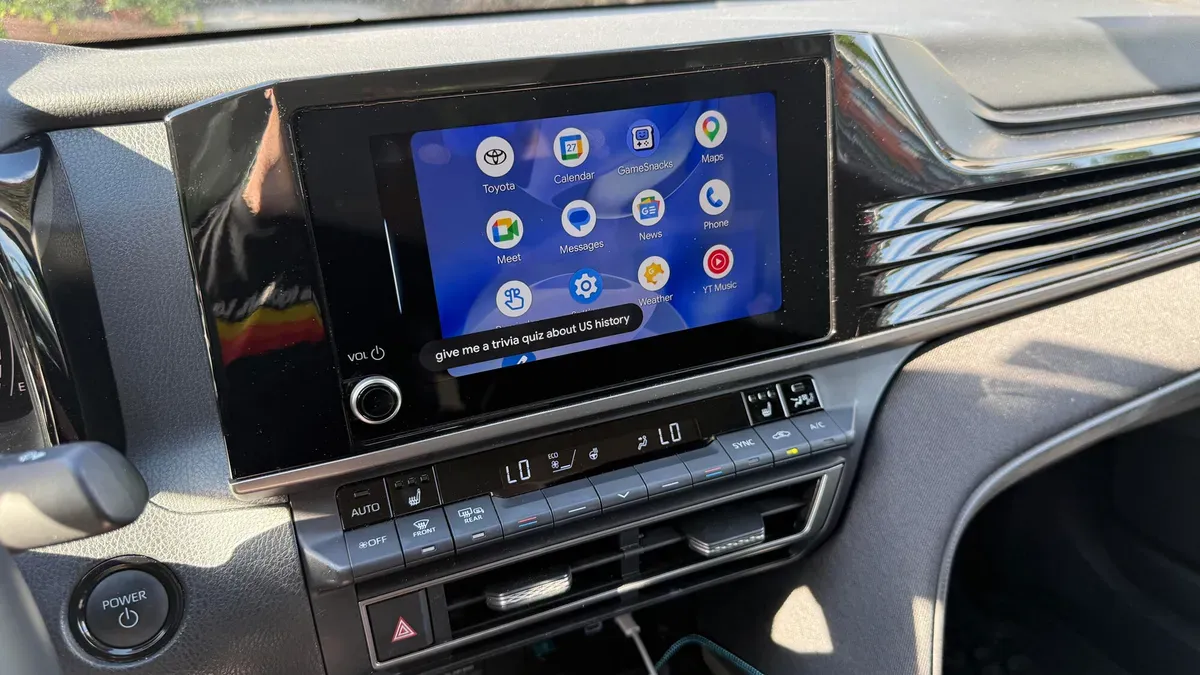
As an iPhone owner I normally use Siri through CarPlay for turn-by-turn directions, calls, texts, calendar checks, reminders and music. For tougher queries I have turned to ChatGPT, but because my Toyota Camry supports Android Auto I tried Google Gemini on an Android phone while driving.
To use Gemini via Android Auto you need an Android phone and a car that supports Android Auto. On Samsung phones set the default digital assistant to Google and enable hands-free "Hey Google" in the Gemini app; then connect the phone by USB (Android 9 or higher) or wirelessly (Android 11 or higher) and pair via Bluetooth.
Ask "Hey Google. Are you using Gemini?" when Android Auto is active to confirm the AI is available. Gemini can send emails and messages, suggest playlists, look up restaurants in Google Maps, set reminders, answer questions, play games and tell stories.
gemini, android auto, android phone, hey google, gemini app, carplay, siri, toyota camry, google maps, bluetooth