8 ways to stop Android Auto from overheating your phone
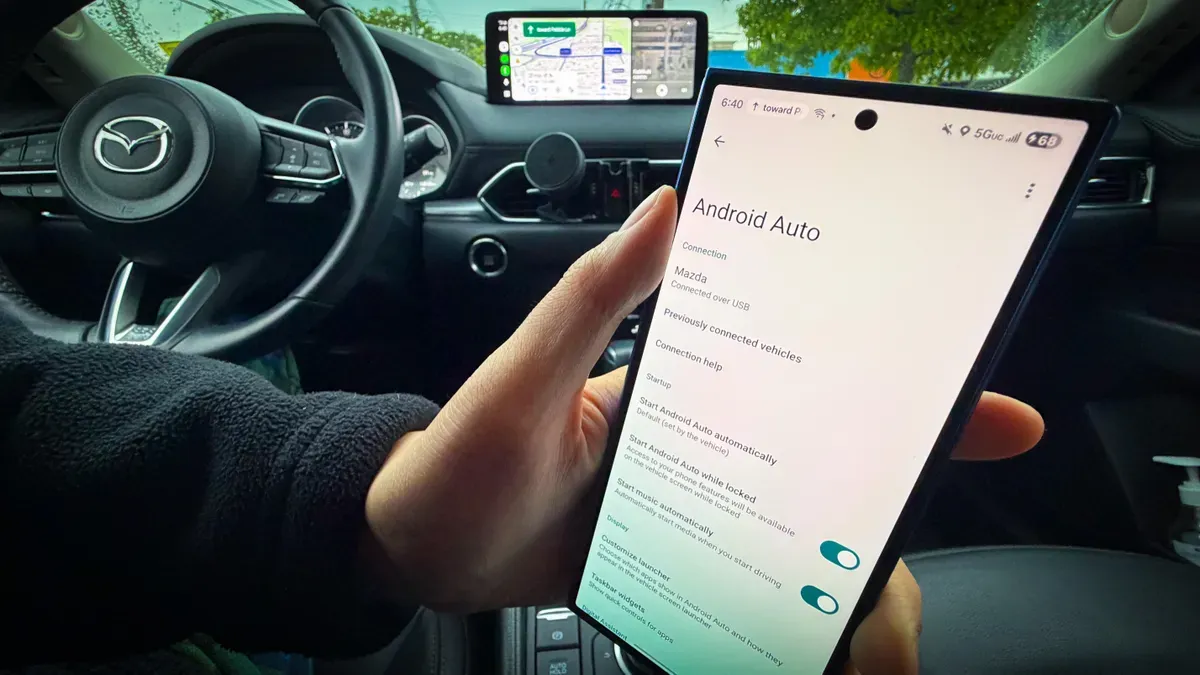
Android Auto can push a phone hard: navigation, streaming, charging and constant data use often make devices run hot, especially in warm climates. High temperature warnings can force you to disconnect or turn off the phone when you need it most.
Try a few simple fixes. Use a wired connection instead of wireless, since wireless mode keeps Wi‑Fi and Bluetooth active at once. Remove bulky or rugged cases, turn off or dim your phone’s screen, and point your car’s AC vent toward the device — some mounts even clip into a vent and double as wireless chargers.
Also use quality cables that support fast data transfer and charging (avoid worn or cheap cords and excessive length), close apps you don’t need or restart the phone before a drive, and download maps for offline use to reduce data strain. If heat remains an issue, disable fast charging in settings; slower charging generates less heat and repeated hot charging can harm the battery over time.
android auto, overheating, wired connection, wireless charging, bluetooth, wi‑fi, phone case, fast charging, offline maps, quality cables