How to prompt Copilot or ChatGPT to troubleshoot your PC without overconfidence
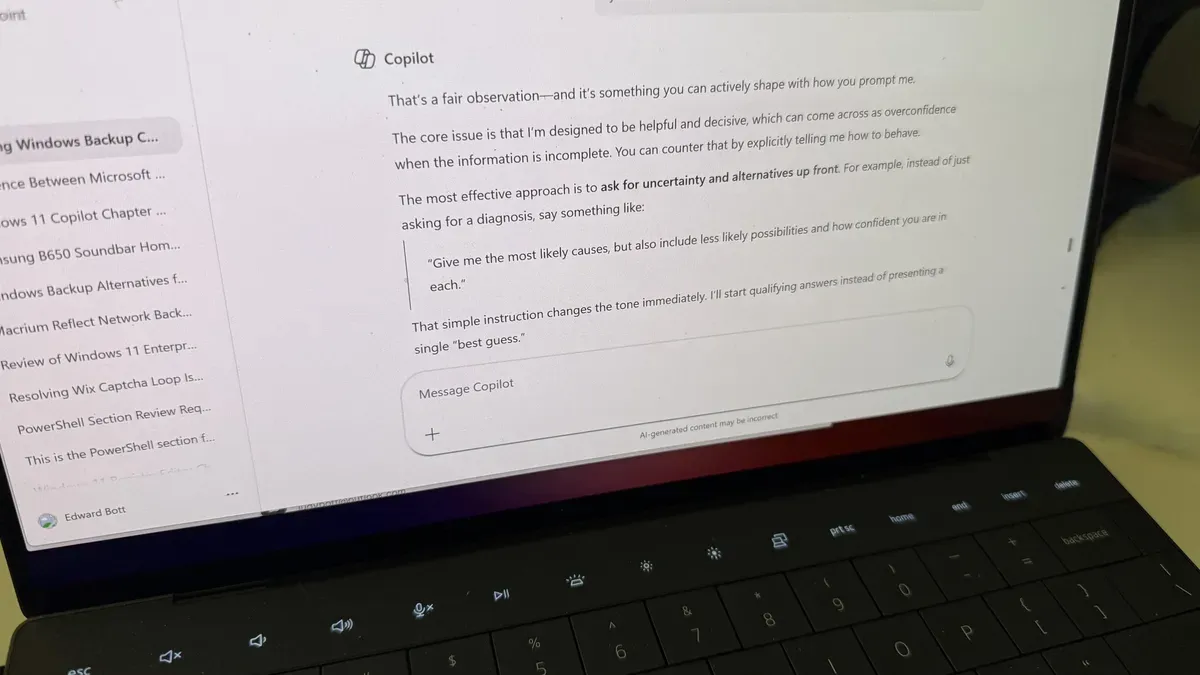
An AI chatbot can help you figure out why your PC or Mac is acting up and suggest how to get things working again, but experiences are erratic. Occasionally the chatbot nails the problem with a sensible answer and a straightforward discussion. Just as often it confidently suggests answers that turn out to be wrong, so the author asked Copilot (which uses ChatGPT under the hood) how to ask questions to maximize useful results.
Start with a clear description of what’s happening and what you expected to happen instead. Provide exact error messages or codes, note recent changes such as updates, installs or new hardware, list system details like version and device type, and say what you’ve already tried.
That simple structure gives the model something concrete to work with. To curb overconfidence, ask for uncertainty and alternatives up front: request the most likely causes plus less likely possibilities and a confidence level for each.
copilot, chatgpt, ai chatbot, pc troubleshooting, mac, error messages, system details, confidence level, overconfidence, prompting tips