Febspot
  • Explore
  • World
  • Business
  • Politics
  • Science
  • Tech
  • Culture
  • Health
  • Sports
  • AI
  • Crypto
  • Latest videos
Sign in Subscribe
Tech

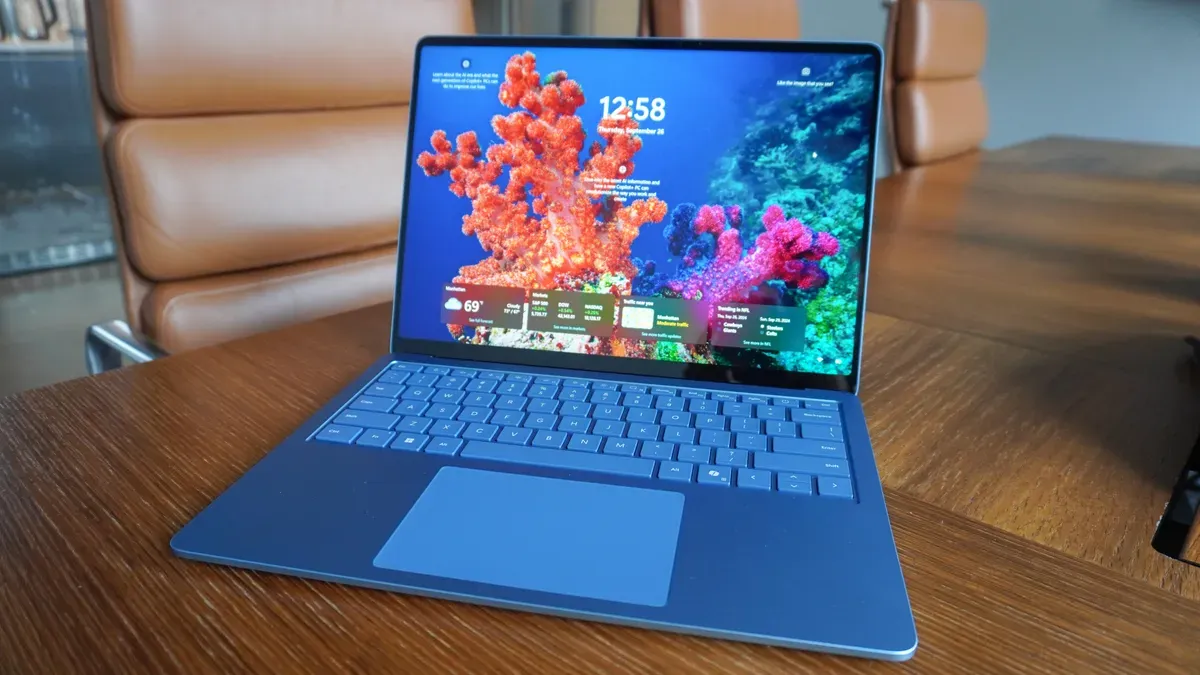
Nine essential tasks to run after setting up a Windows 11 PC
Febspot

07 Jan 2026 • 1 min read
Nine essential tasks to run after setting up a Windows 11 PC — Zdnet.com
Image source: Zdnet.com

ZDNET's Kyle Kucharski provides a nine‑point checklist of actions to take after setting up a new or reset Windows 11 PC to secure, update and tidy the system. He recommends signing in with a Microsoft account rather than a local account for security benefits: you can enable two‑factor authentication and Windows Hello, turn on strong drive encryption (including on Windows 11 Home via Settings > Privacy & security > Device encryption), and use Microsoft's account recovery tools.

He also notes that OneDrive Backup can move Desktop, Documents and Pictures into the cloud, which you may want to review or disable. Before making customizations, Kucharski advises confirming the correct Windows edition and activation (System > Activation), checking Device Manager for driver errors, running Windows Update and installing any manufacturer drivers or BIOS/chipset updates from the PC maker's support site.

To remove bloat and personalize the interface, uninstall unwanted apps from Start or Settings > Apps, and adjust Start via Settings > Personalization > Start (change the Pinned vs Recommended layout and add Folders). Streamline the taskbar in Settings > Personalization > Taskbar by disabling Search, Task View and Widgets and by unpinning defaults you don't want; he also suggests switching to dark mode under Settings > Personalization > Colors if preferred.

For reinstalling apps, check the Microsoft Store or use the Winget repository (or the UniGetUI wrapper).


Key Topics

Tech, Microsoft Account, Onedrive, Windows Sandbox, Bitlocker, Winget

Sign up for more like this.

Enter your email
Subscribe
LCD emulation preserves iconic Nintendo handhelds and their rivals — Gamesradar

LCD emulation preserves iconic Nintendo handhelds and their rivals

BrickEmuPy is a handheld LCD games emulator written in Python with PyQt6. Created by developers Azya52 and Andrei Cherniaev, the project has already preserved more than 60 portable classics and has been highlighted by Time Extension. The collection spans Tamagotchis and Digimon Digivices to Legend of Zelda and Super Mario
20 Jul 2026 1 min read
GW SIG Seminar on LISA Preparatory Science, 23 July 2026 — NASA Science

GW SIG Seminar on LISA Preparatory Science, 23 July 2026

The GW SIG Seminar on LISA Preparatory Science and LISA Science Gaps is scheduled for 23 July 2026. The seminar will focus on LISA Preparatory Science and LISA Science Gaps. Details TBA. lisa, gw sig, seminar, lisa preparatory, preparatory science, lisa science, science gaps, 23 july, 2026, details tba
20 Jul 2026
UGREEN Steam Deck dock drops to $40 on Amazon — Kotaku

UGREEN Steam Deck dock drops to $40 on Amazon

The Steam Deck offers a convenient, portable way to access nearly your entire Steam library, borrowing clear design cues from the Nintendo Switch. Amazon currently has the UGREEN USB-C docking station on sale for 33% off — normally $60, now $40 — a $20 saving for a limited time. Built from two
20 Jul 2026 1 min read
Terms of Service About Cookie Privacy Contact
© 2026 Febspot