Make Zorin OS look like Windows 11 for free
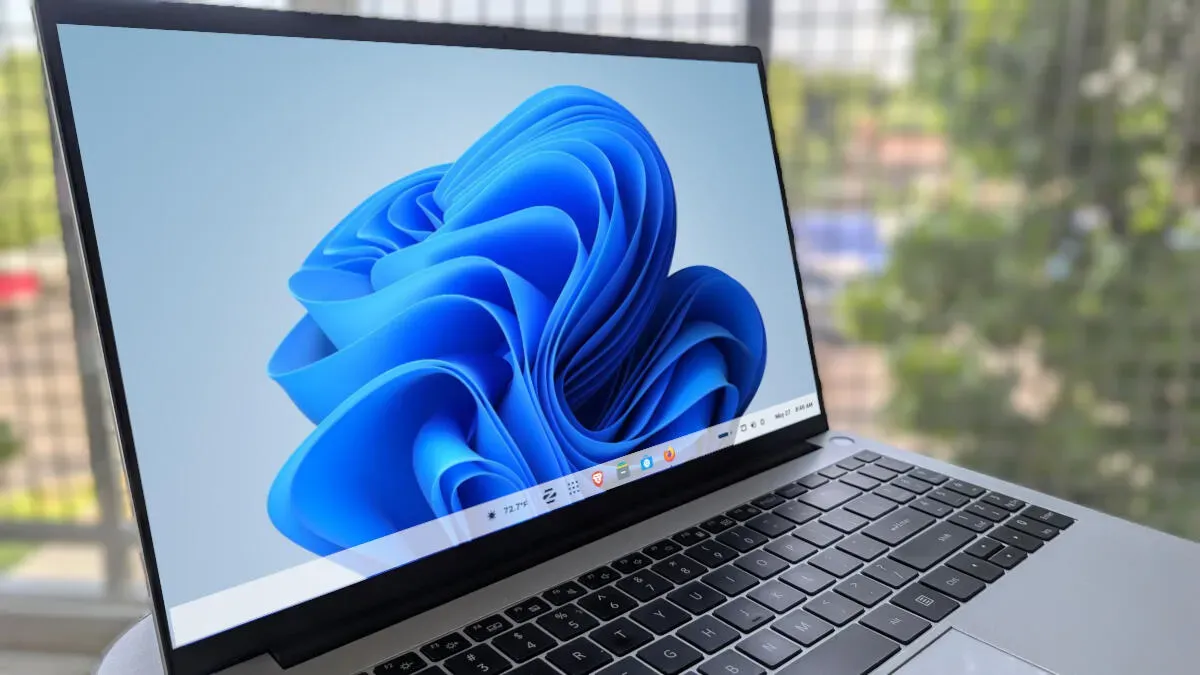
Zorin OS is built on Ubuntu and reshapes the GNOME desktop to give users control over appearance. The free edition ships with four layouts, none exactly like Windows 11, while the Pro edition includes a ready-made Windows 11 layout that keeps things familiar. The Pro option has a drawback: a separate license is required for each major release, so a Pro license for one release will not transfer to the next.
That’s workable if you stick with a single release for its full support cycle, but those who upgrade frequently may need to buy a new Pro license for each major version ($47.99). You can get a similar look without paying. In Zorin Appearance select the top-right layout to place a panel at the bottom and the desktop menu on the right.
Then right-click the panel, open Taskbar Settings, move the Border radius slider to the left for square corners, set Panel length to 100%, choose Monitor Center, and assign the Show Applications button to the left and the Desktop button to the center.
zorin os, zorin pro, zorin appearance, ubuntu, gnome, windows 11, pro license, layouts, taskbar settings, panel