Make Zorin OS look like MacOS for free with a few simple tweaks
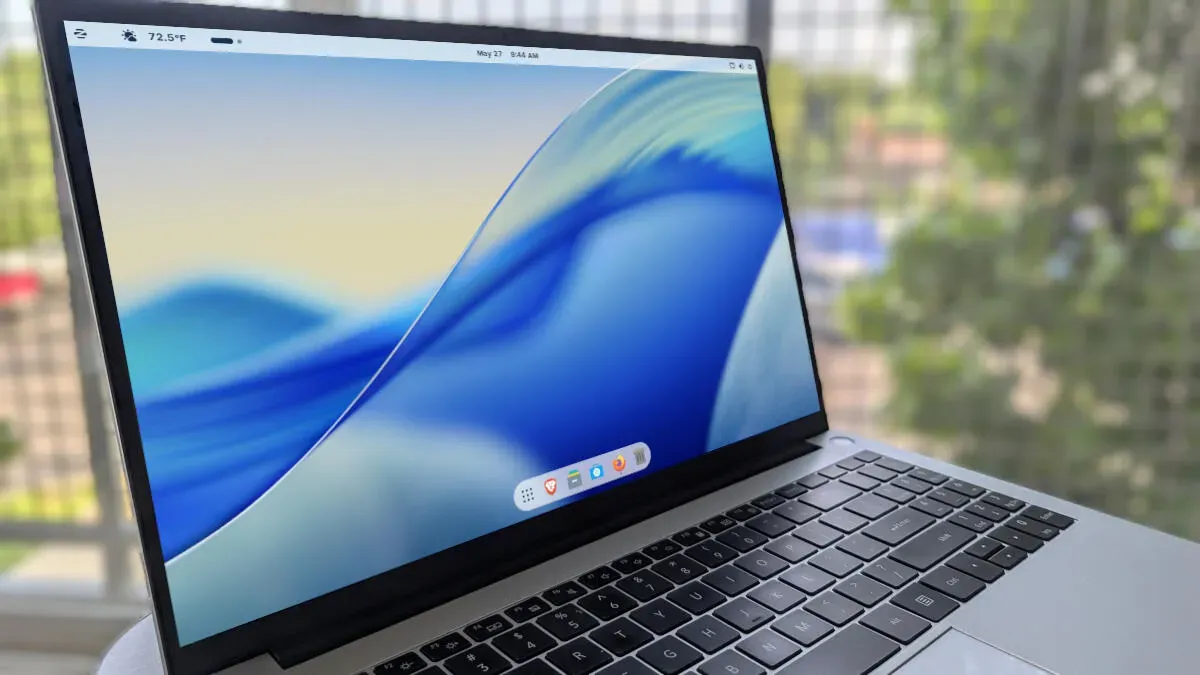
If you like the MacOS interface but are moving to Linux, Zorin OS can be made to resemble the macOS desktop with just a handful of changes. You can buy a Zorin OS Pro license and select the MacOS layout in Zorin Appearance for the easiest route, though the Pro license must be purchased with each major upgrade (the Pro license for Zorin OS 18 will not transfer to version 19) and costs $47.99; staying on one release for its five-year support cycle avoids that downside.
The free approach begins by downloading a Zorin OS ISO, creating a live USB, installing the OS, and opening the Zorin Appearance app. Choose the GNOME layout to get a single top bar, then switch the Titlebar Buttons from right to left under the Windows settings to mimic Apple’s titlebar buttons.
Next, enable the dock via the Extensions app by turning on Zorin Dash. Open the Zorin Dash settings to reduce the Icon size limit on the Position and size tab; on the Appearance tab enable Shrink the dash and the Floating rounded theme to create a smaller, floating dock.
zorin os, macos, zorin pro, zorin appearance, zorin dash, gnome, live usb, iso, dock, titlebar buttons