Limit what Gemini learns from Android Auto
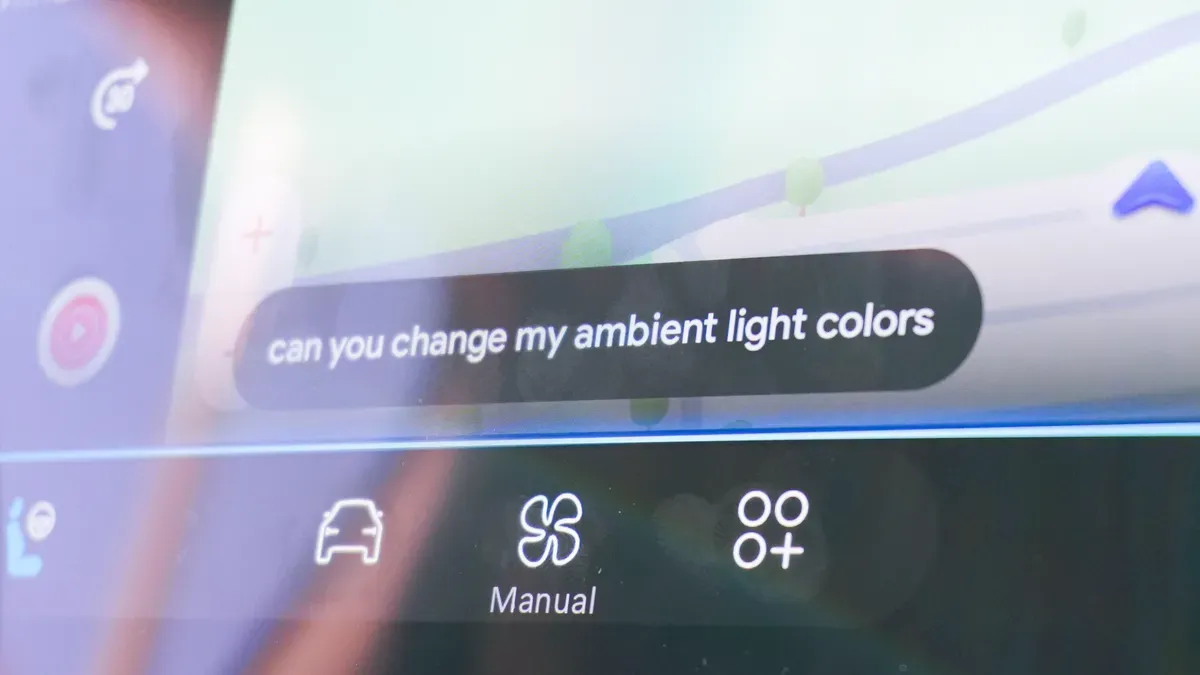
Android Auto can be very useful, but its integration with Gemini brings new privacy trade-offs. Gemini is now the default assistant, it can log where you drive and the microphone is effectively always listening, and you cannot completely disable Gemini in Android Auto.
If you want fewer accidental voice activations, turn off "Hey Google" detection. Gemini listens for the wake word and can respond when it hears false triggers. Open the Gemini app settings, find "Gemini Apps Activity," and toggle off the setting so the assistant activates only with your steering wheel button.
Control what Android Auto shares by changing app permissions on your phone: Settings > Apps > Android Auto > Permissions. You can selectively remove access to calls, texts, contacts and other data. To stop Gemini from creating AI summaries of long messages, open Android Auto settings, go to Messages and disable "Notifications with Assistant" — incoming texts will still be read aloud without being summarized by Gemini.
android auto, gemini, google assistant, hey google, wake word, microphone, app permissions, gemini apps, ai summaries, messages