How to use ChatGPT: a beginner's guide to OpenAI's chatbot
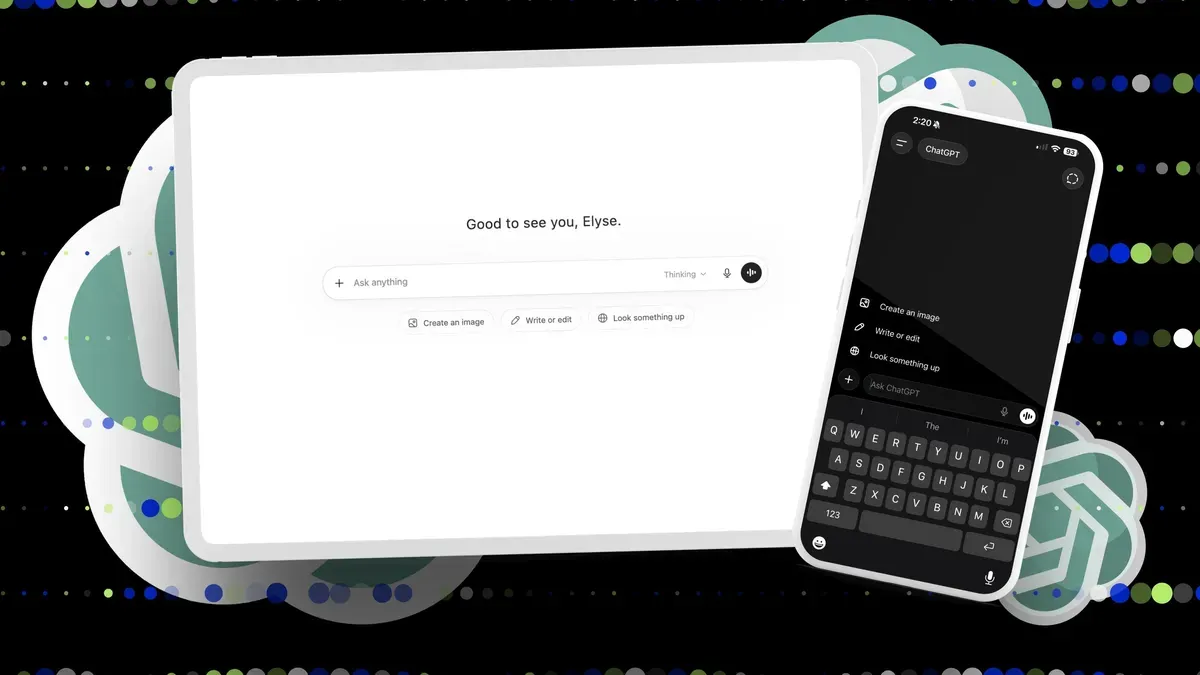
It will be four years this fall since ChatGPT launched, and the tool has grown well beyond the simple “chatbot” label. People now use it to debug code, create presentations, generate images, shop, plan trips and handle a wide range of writing and research tasks.
Features such as projects, memory and Voice Mode aim to make those workflows smoother. ChatGPT runs on the web, desktop and mobile apps for iOS and Android. You can try it without an account, but signing up preserves chat history and unlocks features like file uploads, Library, GPTs, Projects and connected apps.
Free access is limited; paid plans raise usage caps and add model choices, including GPT-5.5 Thinking and GPT-5.5 Pro. In the US, ChatGPT Go is $8/month, Plus is $20/month, and Pro has $100 and $200 monthly tiers. The interface centers on a left sidebar and a main chat area with a composer where you type, attach files or use the mic.
United States
chatgpt, openai, gpt-5.5, chatgpt go, chatgpt plus, chatgpt pro, voice mode, memory, file uploads, chat history