How to turn on your Marathon flashlight on Night Marsh
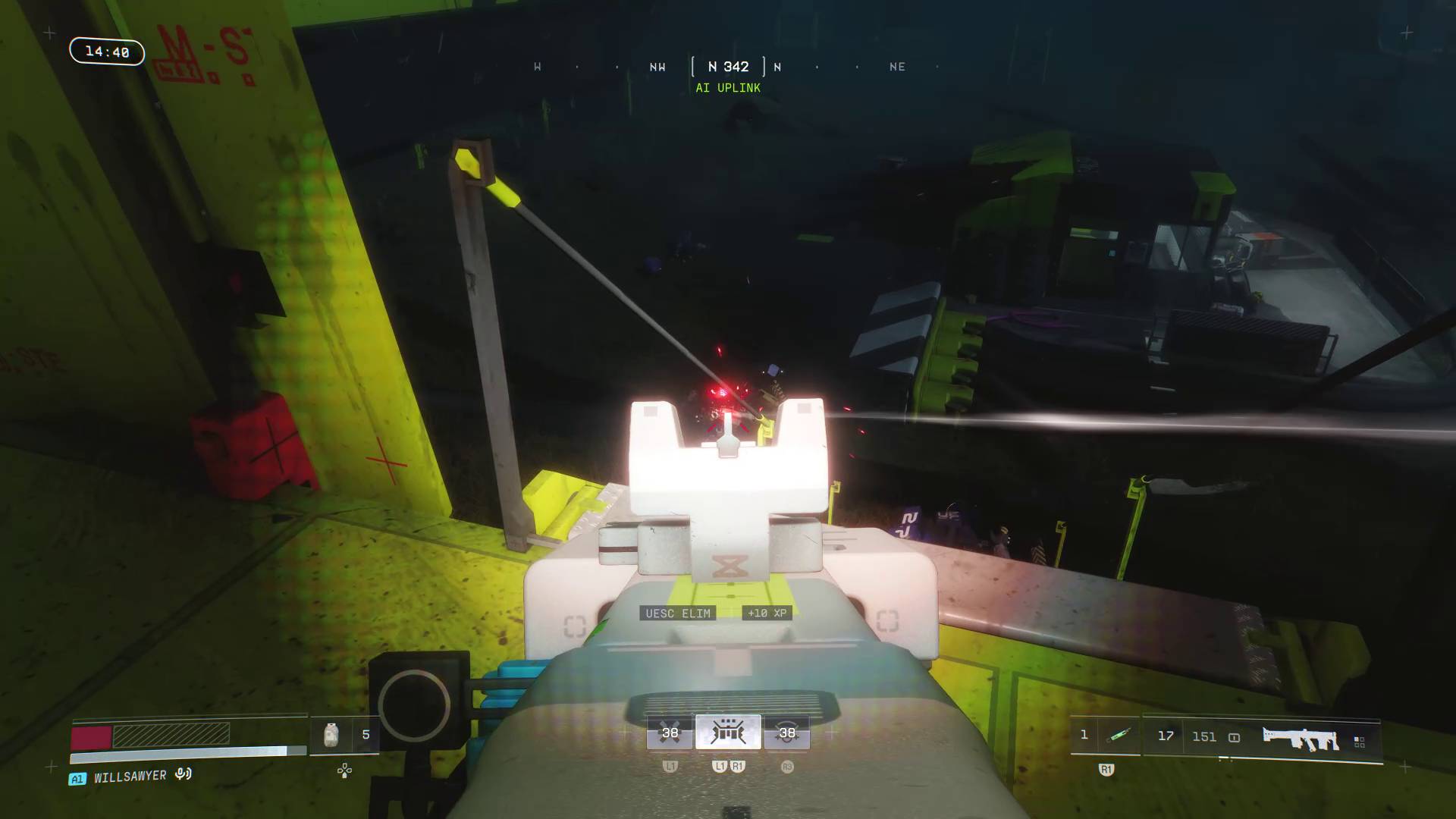
Turning on your Marathon flashlight on Night Marsh helps you navigate the darkness, especially indoors, but the input is a bit fiddly. With most controller buttons already in use, the flashlight relies on an unusual two-button input that briefly appears on screen at the start of a match and is easy to miss if you check the map right away.
On controller, quickly tap D-Pad Left and Square (PS5) or D-Pad Left and X (Xbox) at the same time to toggle the flashlight. On mouse and keyboard, press B. You can repeat the same input to switch it off, and the control can be rebound in Settings by opening the 'Keyboard / Mouse' or 'Controller' submenu and adjusting the 'Toggle Flashlight' option—just be careful not to overwrite other important controls.
Keep in mind the flashlight will reveal your position to other players, so it improves visibility through the dark swamps but shouldn't be left on constantly.
marathon flashlight, night marsh, toggle flashlight, d-pad left, square button, x button, ps5, xbox, b key, rebind controls