How to try the new Siri AI - join the waitlist today
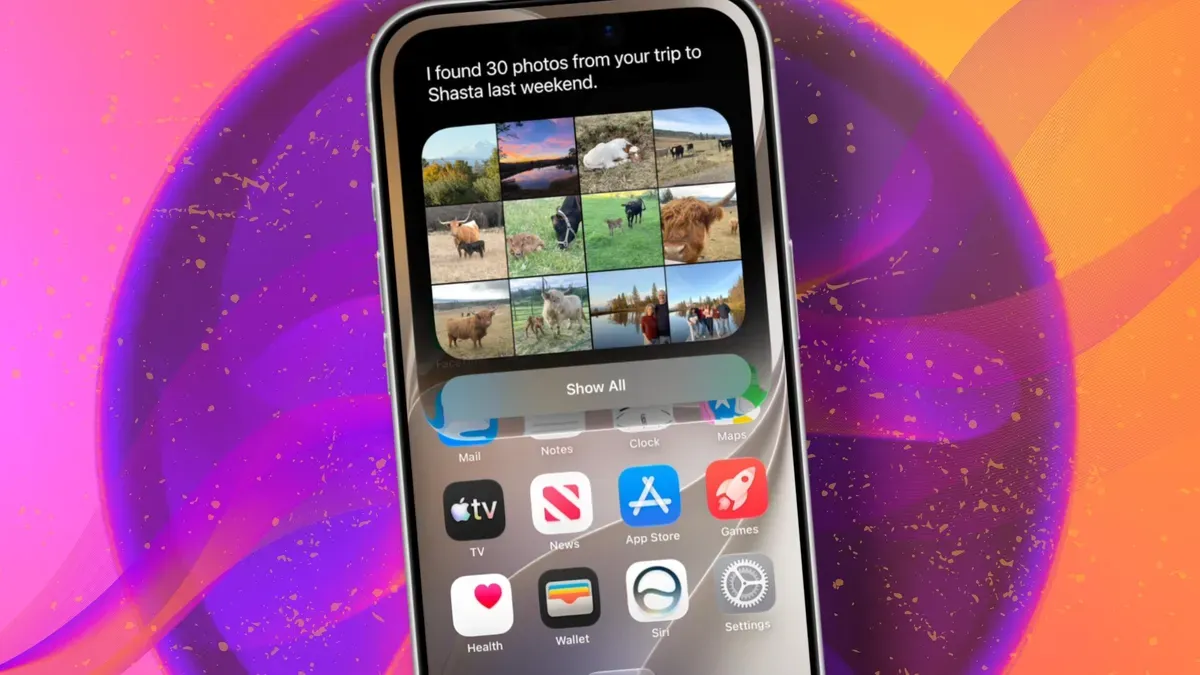
Apple introduced Siri AI at WWDC 2026 as a version of Siri “powered by Apple Intelligence” that is more conversational, understands personal context, can answer broader questions, and take action across apps. It can use information from messages, emails, photos, notes and the screen to get more done.
To try Siri AI you need an iPhone 15 Pro or Pro Max, any iPhone 16 model, or any iPhone 17 model running the iOS 27 developer beta. Install the developer beta on a secondary device and back it up first; developer betas are unfinished software and apps can crash, battery life can drain, and features can disappear.
A free Apple Developer account is enough to access the beta. Sign in on Apple’s Developer website or the Apple Developer app, agree to the developer terms, then on the iPhone go to Settings > General > Software Update > Beta Updates and select iOS 27 Developer Beta to install.
siri ai, apple intelligence, ios 27, iphone 15, iphone 16, iphone 17, developer beta, apple developer, waitlist, messages