How I used Container to run Linux on my MacBook
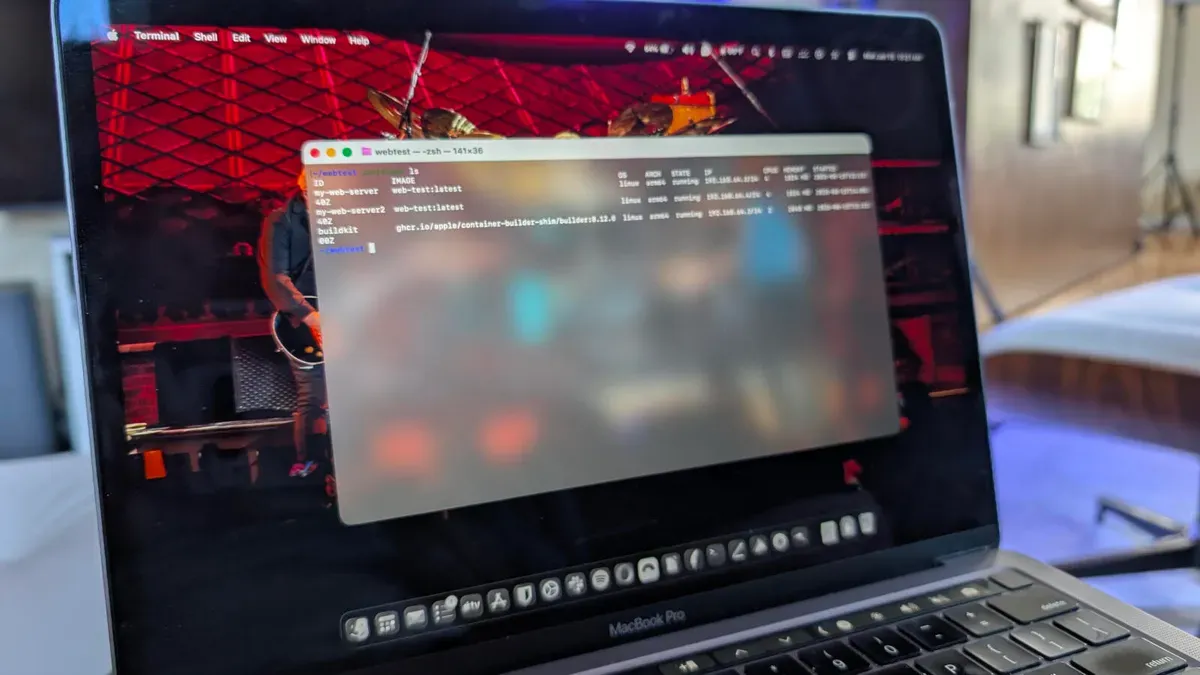
Container is a free command-line tool for macOS that runs Linux containers as lightweight virtual machines on Apple silicon. It has been available since 2025 and the latest release is optimized for Apple Silicon. Each container launches in its own lightweight VM using a Swift-based init system called vminitd, and users coming from Docker or Podman will find the CLI familiar; Container is also described as fast.
Installation is straightforward: download the file, double-click it to launch the installation wizard, and follow the simple steps. After installing, start the system with the command: container system start. To confirm the system is running, use: container list --all, which should display a header like: ID IMAGE OS ARCH STATE IP.
To build a simple web server, create a project directory (mkdir hello-web) and change into it. Add a Dockerfile that pulls docker.io/python:alpine, sets a working directory, installs curl, creates an index.html file, and runs a Python HTTP server bound to 0.0.0.0 on port 80.
container, macos, apple silicon, linux, containers, virtual machine, vminitd, docker, dockerfile, python