I tried Google Drive's new AI cleanup tool — here’s the result
I'm an Apple person: I've owned an iPhone since 2007 and a Mac longer than that, and I pay $10 a month for the 2TB iCloud+ plan with 488GB of data and nearly 40,000 photos. At the same time, after 14 years of using Google Drive I have 340GB stored across Docs, Sheets, Slides, Gmail messages and uploads; I pay $20 a month for Google AI Pro (5TB of storage and Gemini access) and also pay $20 for ChatGPT Plus.
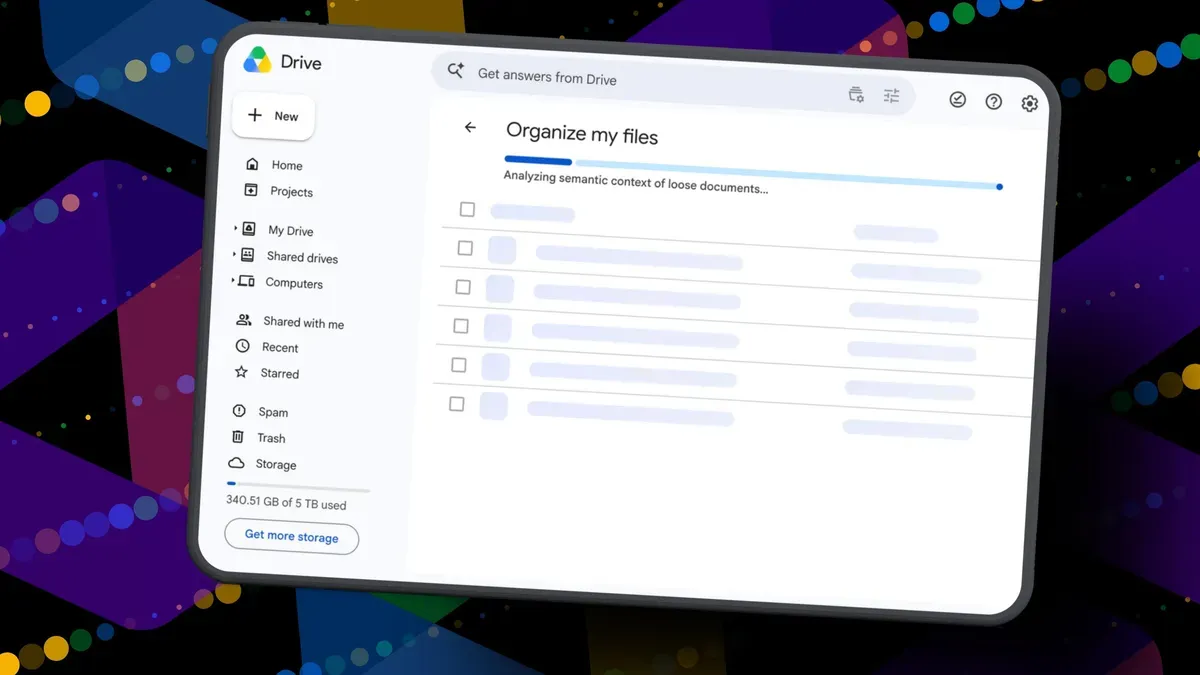
Google's new Organize My Files feature is available but limited: it requires Google Workspace or Google AI subscribers and Workspace smart features must be enabled. Look for a new Suggest File Moves button at the top of My Drive and in parent folders. Clicking it opens an Organize My Files window where Gemini analyzes loose files and recommends moving them into existing folders or creating new folders for related files; you can preview items, select checkboxes, rename suggested folder names, change targets, then approve a single batched move.
When I ran it, Gemini suggested 19 moves and mostly surfaced recent files.
google drive, gemini, google ai, google workspace, file moves, organize files, batched move, cloud storage, docs, gmail