5 Android Auto mistakes and how to fix them
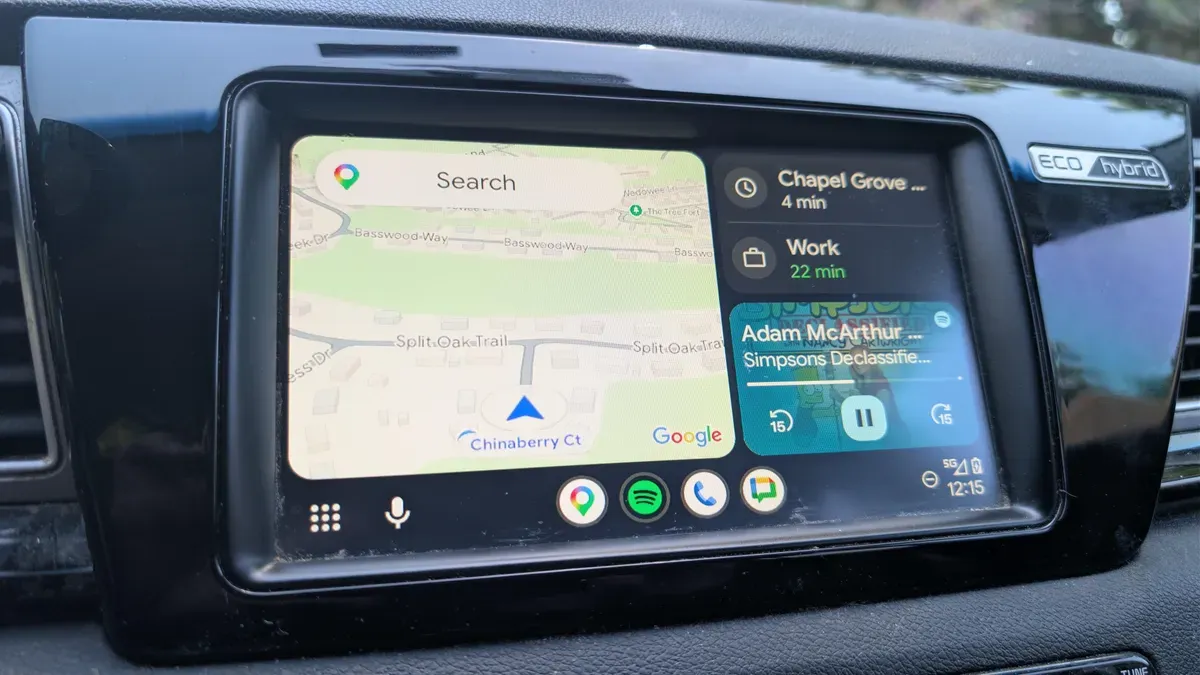
Android Auto can make driving less boring, more efficient, and safer, but many users miss out on features or create avoidable problems by making a few common mistakes. One frequent issue is using a cheap or charging-only cable; slow or damaged cables cause lag and dropouts, so use a data-transfer cable from a reputable brand and keep the length reasonable.
Wireless connections are convenient, but a wired setup is generally faster, more responsive and kinder to your phone when running navigation or multiple apps. Battery optimizer or saver modes can throttle Android Auto—set Settings > Apps > Android Auto > Battery to “Unrestricted.” Also remember to download offline maps in Google Maps before driving in areas with poor service.
Finally, try the improved Gemini voice controls; they now handle more than basic commands and can make the system far more useful.
android auto, data cable, charging cable, wireless connection, wired setup, battery optimizer, battery saver, offline maps, google maps, gemini voice