4 Android Auto developer settings that make driving easier
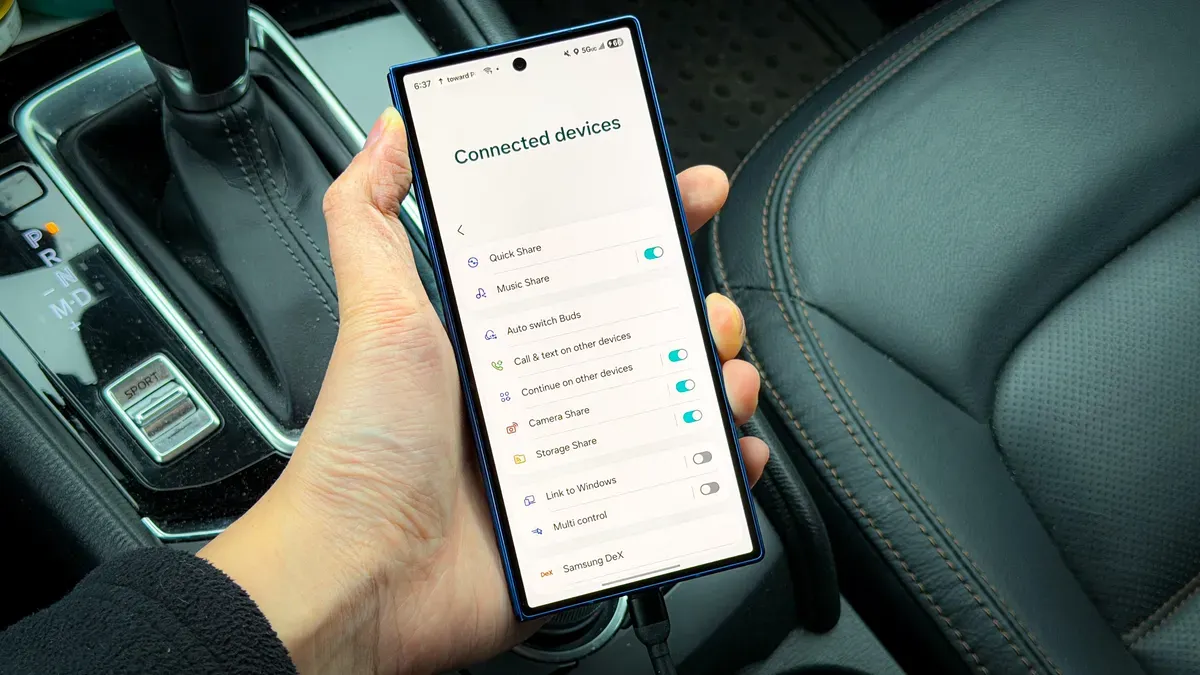
For most users, Android Auto is simply an easy way to handle navigation, music, and messages while driving. But like your Android phone, Android Auto has its own developer mode that unlocks settings not intended for everyday users, and you can make some significant improvements.
It's not difficult to access, and it only takes a minute. The Android Auto app doesn't appear among your regular apps, so open Settings and search for Android Auto. Tap it, select "Additional settings in the app," scroll to Version and tap it 10 times, then choose OK.
Once enabled, a few developer options make the biggest differences. Force Day/Night Mode lets you permanently set day or night, or use "Phone controlled" so the interface follows your phone's system settings; this stops maps and screens from flipping in tunnels or on cloudy days.
android auto, developer mode, developer options, day night, phone controlled, navigation, music, messages, app settings, version tap