6 ways I use Spotlight to get more out of my Mac
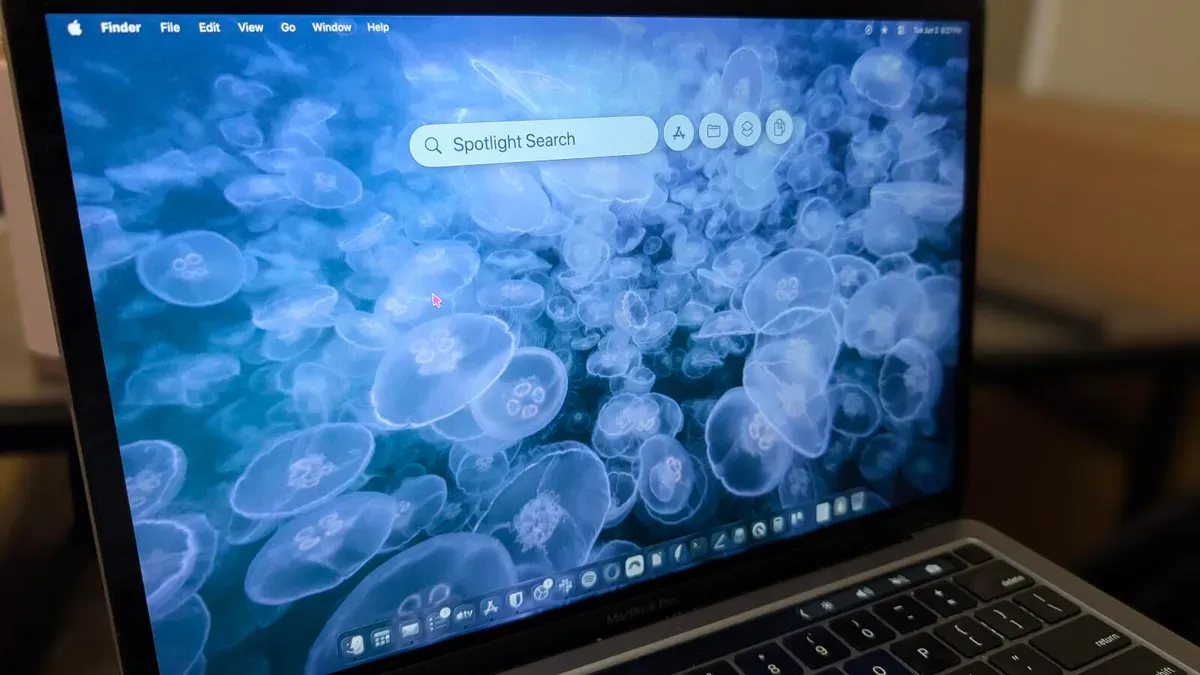
Prior to MacOS Tahoe, Spotlight was a search tool. You could call it up with the Cmd+Space keyboard shortcut, type whatever it was you were looking for, and there it was. I was using a tool called Alfred because it was more like the tools I'd been accustomed to, and the previous version of Spotlight couldn't hold a candle to those apps.
Since the upgrade to Tahoe, Spotlight has fallen in line with what are usually called keyboard launchers. Keyboard launchers are much, much more than desktop search tools. Think of keyboard launchers as a special menu for actions that might normally take multiple steps to achieve.
For example, to connect to a Samba (SMB) server I used to open Finder, hit Cmd+K, type the IP address, and hit Enter. With Tahoe, I open Spotlight, type smb://192.168.1.176, and hit Enter. That process is considerably faster than how I used to take care of the task.
spotlight, macos tahoe, alfred, keyboard launcher, cmd+space, finder, cmd+k, smb, samba, ip address