5 best practices for migrating to a new CRM
Switching your CRM often feels straightforward until you run into mismatched fields, duplicate contacts and a sales team that can’t log calls. Treating a migration as a simple export commonly leads to months of cleanup. The five practices below won’t remove every headache, but they will prevent the serious problems that derail rollouts.
Start by auditing your current data rather than copying it wholesale. Flag duplicate records, incomplete entries missing critical fields like email or company name, and outdated contacts with no activity in years. Decide what’s worth carrying forward—migration cost scales with data volume, so trimming dead weight saves time and money.
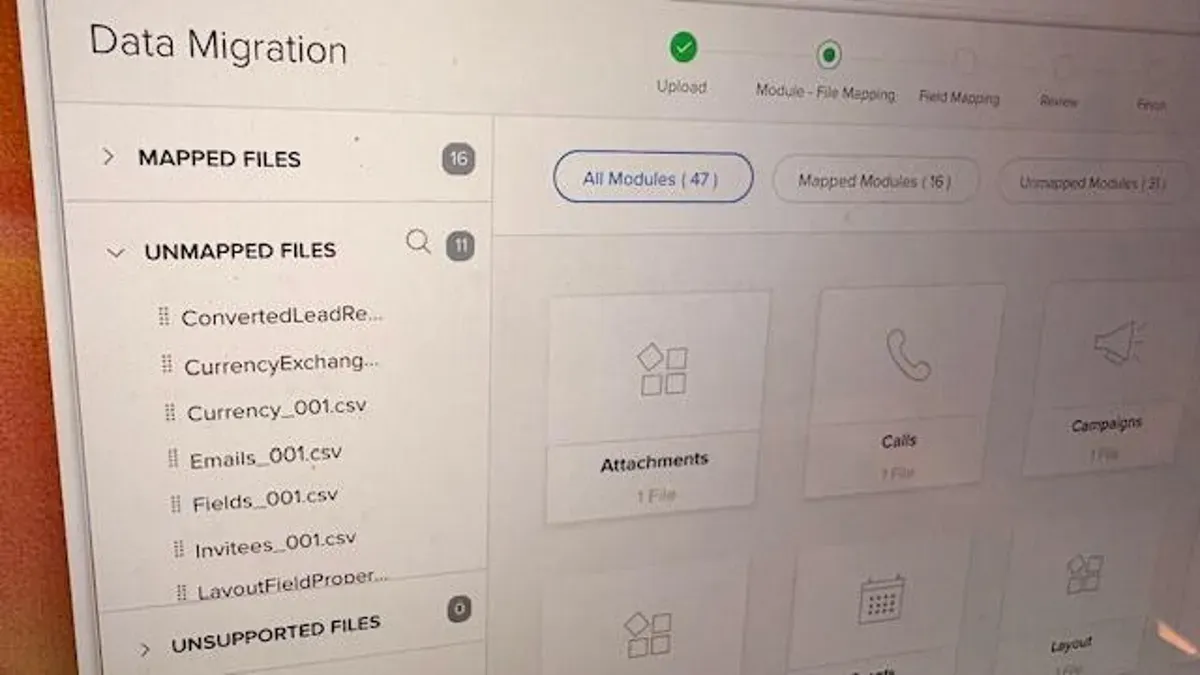
Create a detailed field mapping document that shows how every field, including custom ones, translates to the new system. Pay special attention to fields that need transformation, such as converting a free-text industry into a picklist or splitting a single full-name field into first and last name, and record the transformation rules.
crm migration, data audit, duplicate contacts, field mapping, data transformation, custom fields, data cleanup, migration cost, picklist conversion, split names