40+ hidden Google Maps settings to make the app more useful
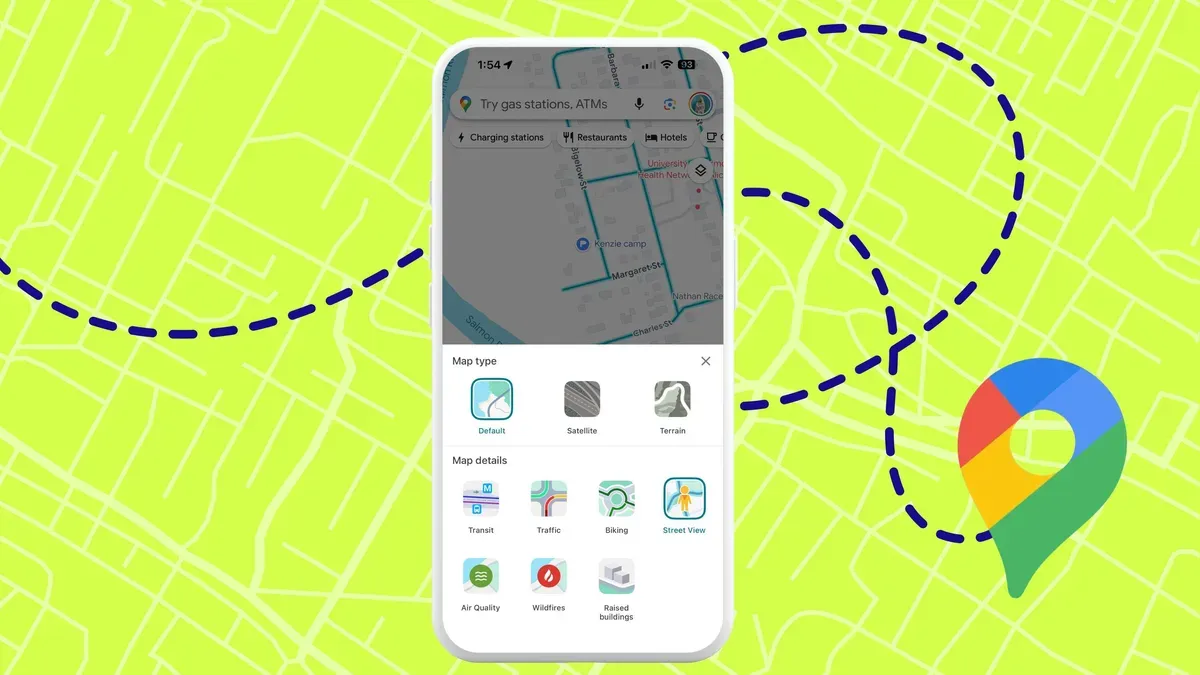
Google Maps hides dozens of settings that can improve navigation, battery life, accessibility, privacy and more. Many of the options work on iOS and Android, and several also appear on the web version. For drivers, you can keep the map facing north, avoid tolls, highways or ferries, prefer fuel-efficient routes, and specify your vehicle type.
EV drivers can enter make, model, year, trim and plug details so Maps filters compatible chargers. The app also lets you add multiple stops, set a departure time, and create reminders to leave. To reduce distractions and battery drain, enable glanceable directions, power-saving mode (currently limited to select Pixel devices), or adjust voice guidance and Bluetooth playback.
Maps shows speed limits and a speedometer, offers more detailed walking audio, and provides Live View AR directions that can auto-start when you tilt the phone and even work indoors at some locations. Accessibility features include emphasizing accessible places and choosing wheelchair-accessible transit routes.
google maps, hidden settings, navigation, battery life, accessibility, privacy, ev chargers, live view, speed limits, power saving