4 Android Auto default settings to change right away
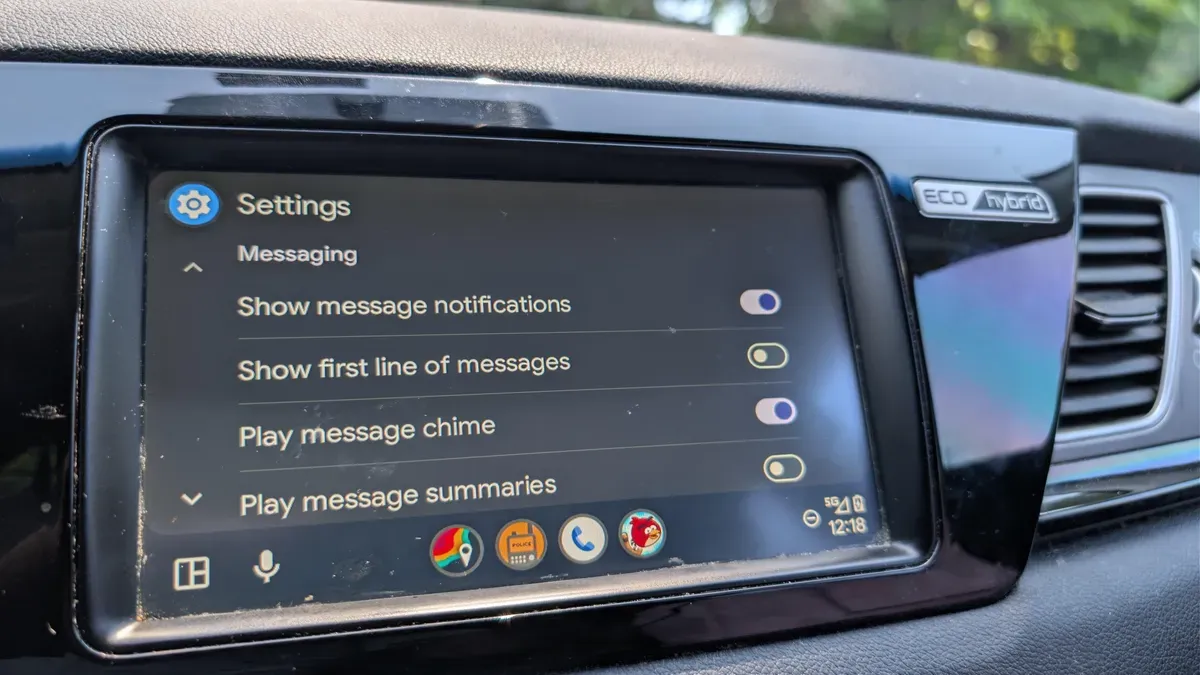
Android Auto is designed to make driving easier, but you might not be using it to its full potential. The software is highly customizable, and its developer settings let you tweak the interface and behavior to suit your needs. Some defaults, however, create a cluttered, busy UI and can be distracting behind the wheel.
By default, Android Auto resumes playback every time you start the car, which can mean loud music or an intense podcast playing before you even back out of the driveway. If multiple people use the vehicle or children get in and out, you may prefer to disable automatic start.
To stop automatic playback, open your phone’s main settings, search for Android Auto, and toggle “Start music automatically.” Incoming message notifications also deserve attention. Android Auto shows part of text messages and can let notifications obscure navigation or other important information.
android auto, default settings, developer settings, automatic playback, start music, notifications, message notifications, navigation, ui clutter, disable autoplay