Why TVs look so different at home
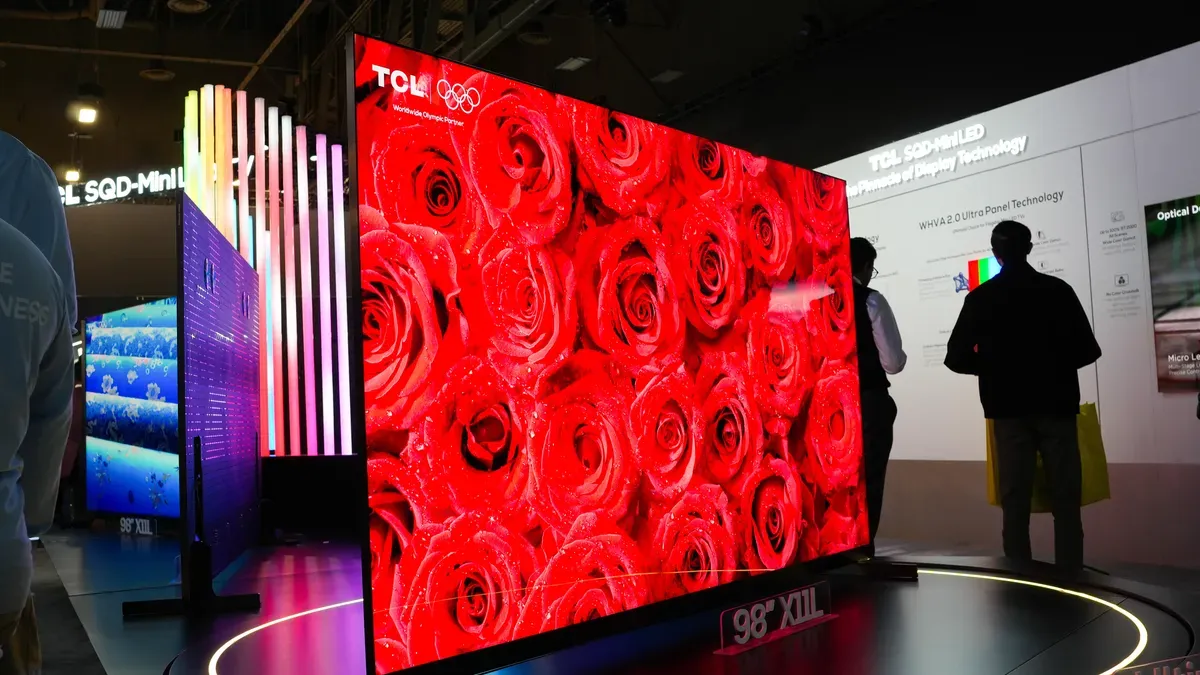
TVs on the showroom floor often run in Demo, Store, or Retail Mode, which boosts contrast, brightness, color saturation, 4K upscaling and motion smoothing to grab attention. Colors become much more saturated and brightness is cranked to compete with other screens and harsh store lighting.
That bold look can misrepresent how a TV will perform in a typical home. Home mode is tuned to deliver a more accurate, balanced picture rather than an eye-catching display, and most new smart TVs automatically boot into it during setup. It’s possible to enable demo or store mode accidentally or to have it reappear after a factory reset.
With a few manual adjustments you can get colors, contrast and detail close to the over-the-top store picture. Disabling demo or store mode is usually straightforward, though Fire and Roku TVs require a full factory reset. Fire TV: hold the Back button and the right side of the navigation circle together for 10 seconds or select Settings > My Fire TV > Reset to Factory Defaults, then choose home or demo mode.
demo mode, store mode, retail mode, home mode, brightness, color saturation, contrast, motion smoothing, 4k upscaling, factory reset