I stopped waiting 30 days for Android to delete files — here's why
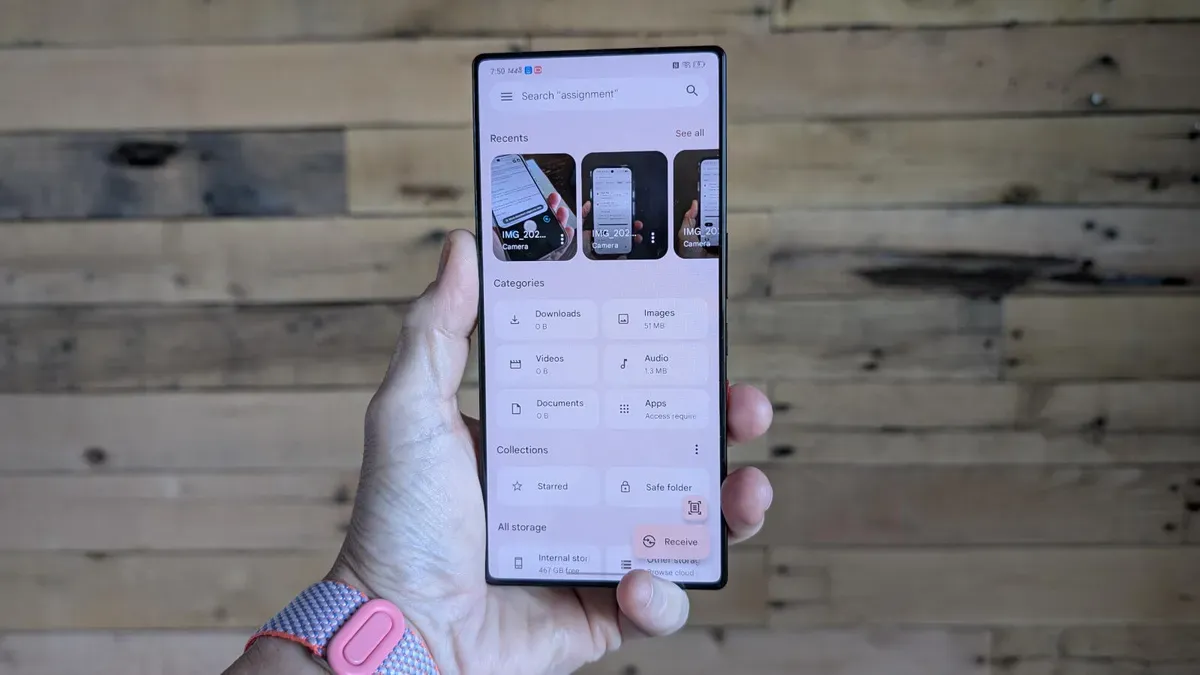
Deleted items on Android sit in a recycle bin for 30 days before being purged, which can leave sensitive material exposed. Photos of a router’s back, images of your home with location data, scans of contracts or a W‑2 can all remain visible in Trash until that timer runs out, and anyone who gains access to an unlocked phone could see them.
You cannot change the 30‑day threshold or make the default Files app purge immediately, but you can manually empty the bin. Doing so also reclaims storage space on a device that may be low on room. Open the Files (My Files) app, tap the three‑line menu and choose Trash, which shows how much space those items take.
If it’s your first time, you’ll see a warning about the 30‑day limit you can dismiss with “Got it.” Select files by hand, pick items from a specific time period, or tap select all; the Delete button at the bottom right will then allow you to purge the chosen files.
android, recycle bin, trash, files app, my files, 30 days, delete files, empty bin, storage space, sensitive data