This single router antenna adjustment improved my internet speed
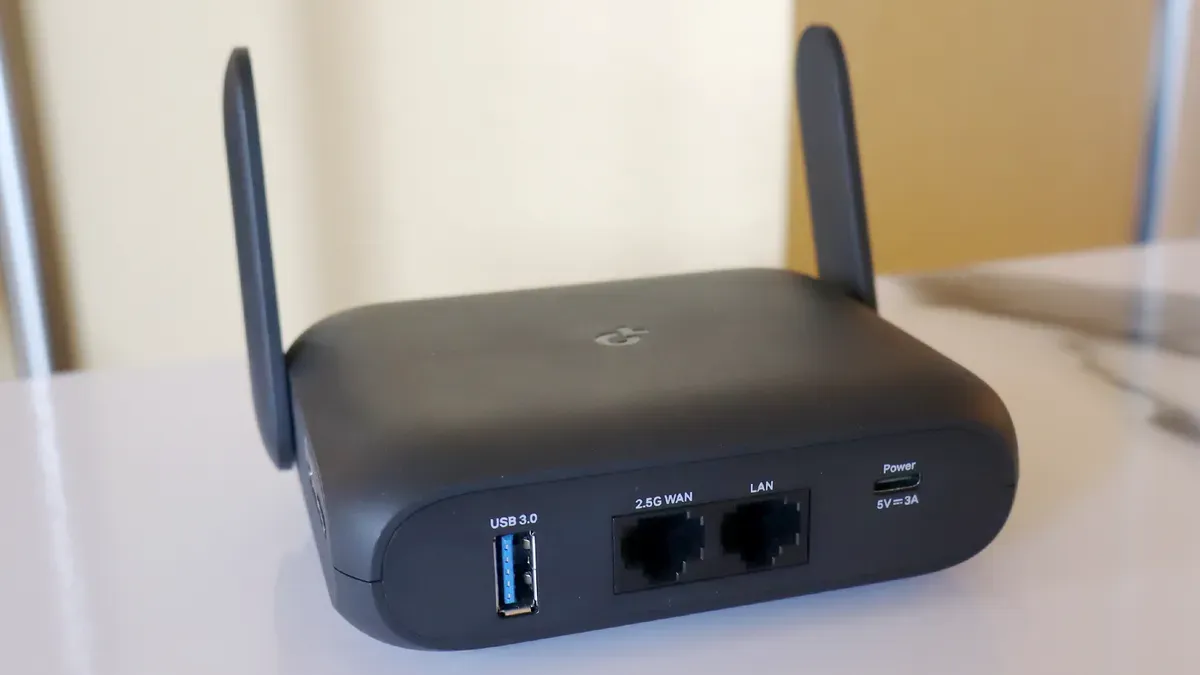
When I was a kid, I had to constantly adjust the rabbit‑ear antenna on my old CRT TV to get a clear picture. Technology moved on, but Wi‑Fi can still need the same kind of attention; you may have to adjust your router's antennas to keep a strong, consistent signal.
The ideal antenna layout depends on your home. TP‑Link recommends positioning all antennas vertically in an apartment or single‑story home so the signal radiates outward evenly, and angling them at about 30 degrees for better coverage between floors in a two‑story house.
For larger, open spaces, Optimum suggests roughly 45‑degree angles. Both brands also suggest experimenting — try the router on its side, spread antennas in different directions, or alternate angles — and use your router's companion app to monitor signal strength in dBm (closer to zero is better); a reading around -33 dBm indicates a very strong connection.
router, antenna, wi-fi, tp-link, optimum, signal strength, dbm, 33 dbm, companion app, antenna positioning