Settings I change immediately on a new iPhone
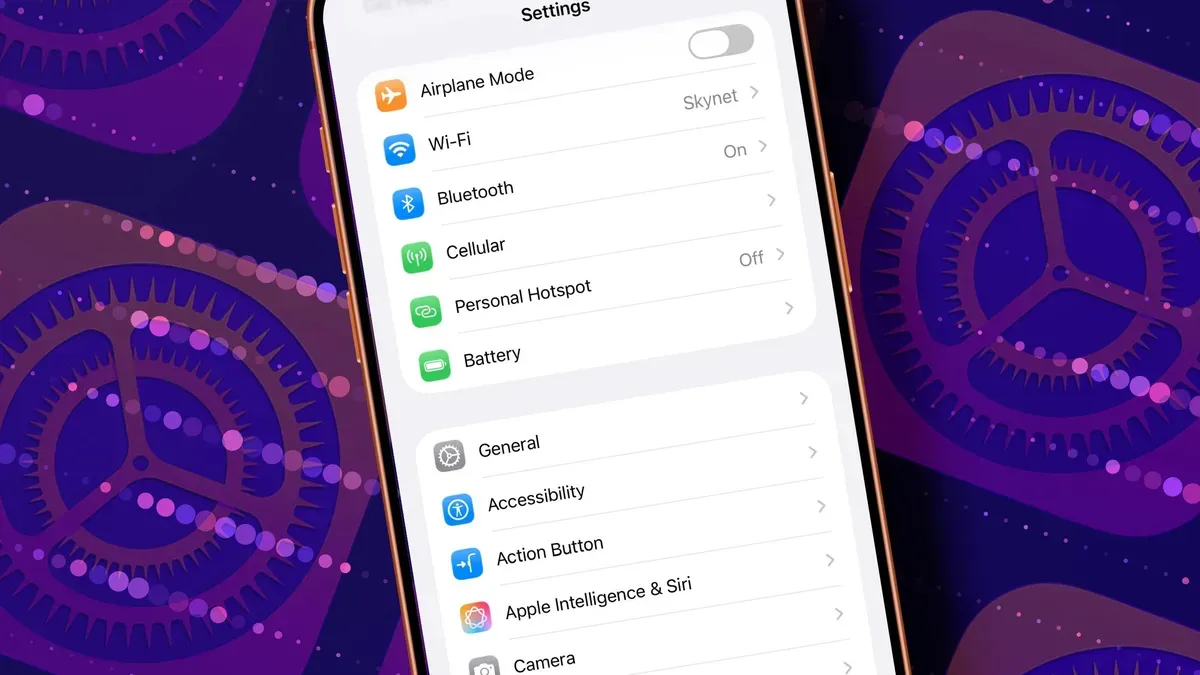
I have a love-hate relationship with getting a new iPhone. It's shiny and scratch-free, but setting it up is a chore: remembering which toggles to flip, choosing a wallpaper and redesigning home screens. I made a list after setting up a new iPad because Apple gives you a good device out of the box, yet some defaults are noisy, waste battery, and a few buried tools unlock nicer behavior.
The first tweaks I make tone down Liquid Glass, since its translucency can make text and controls harder to see; you can choose Clear or Tinted, enable Reduce Transparency, or edit the home screen to set Always or Auto and adjust icon size and brightness. I also customize Control Center for quick access to Low Power Mode, Dark Mode, screen recording and other tools, add Lock Screen widgets and swap the corner buttons for the apps I use most, and set the Action Button to something useful.
For older phones I enable Back Tap to trigger actions with a double- or triple-tap on the back.
iphone, ipad, liquid glass, reduce transparency, control center, low power, dark mode, screen recording, action button, back tap