I tried Windows 365 Cloud PC on Mac, iPad and Android
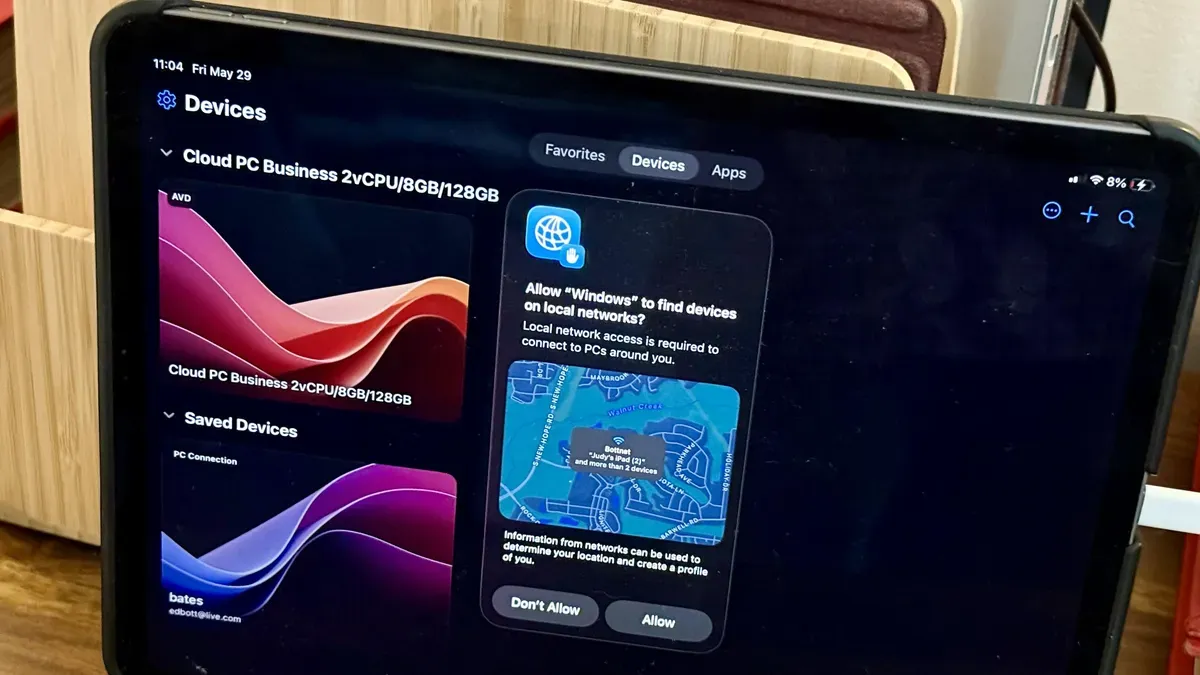
Windows 365 Cloud PC streams a Windows 11 virtual machine from Microsoft’s data centers so you can use it on a PC, Mac, iPad, or phone. I ran a Cloud PC during a one-month trial on multiple machines and devices, and the clearest advantage is removing the need to repair or replace physical hardware.
Getting started requires a Microsoft 365 Business or Enterprise account and an administrator to provision users; personal accounts aren’t supported. The dedicated Windows app (formerly Remote Desktop) is available for Windows, MacOS, Android and iOS, supports Windows Hello sign-in, and appears in a browser as well.
On a Mac and Windows laptop the experience felt nearly identical, with keyboard, mouse and touch input behaving as expected. Touch-only use on an iPad was awkward until I added a Bluetooth keyboard and mouse, and a phone’s small screen made the Cloud PC impractical unless paired with an external display and input devices.
windows 365, cloud pc, windows 11, microsoft 365, remote desktop, mac, ipad, android, windows hello, virtual machine