How I turned an old Android phone into a Wi-Fi extender
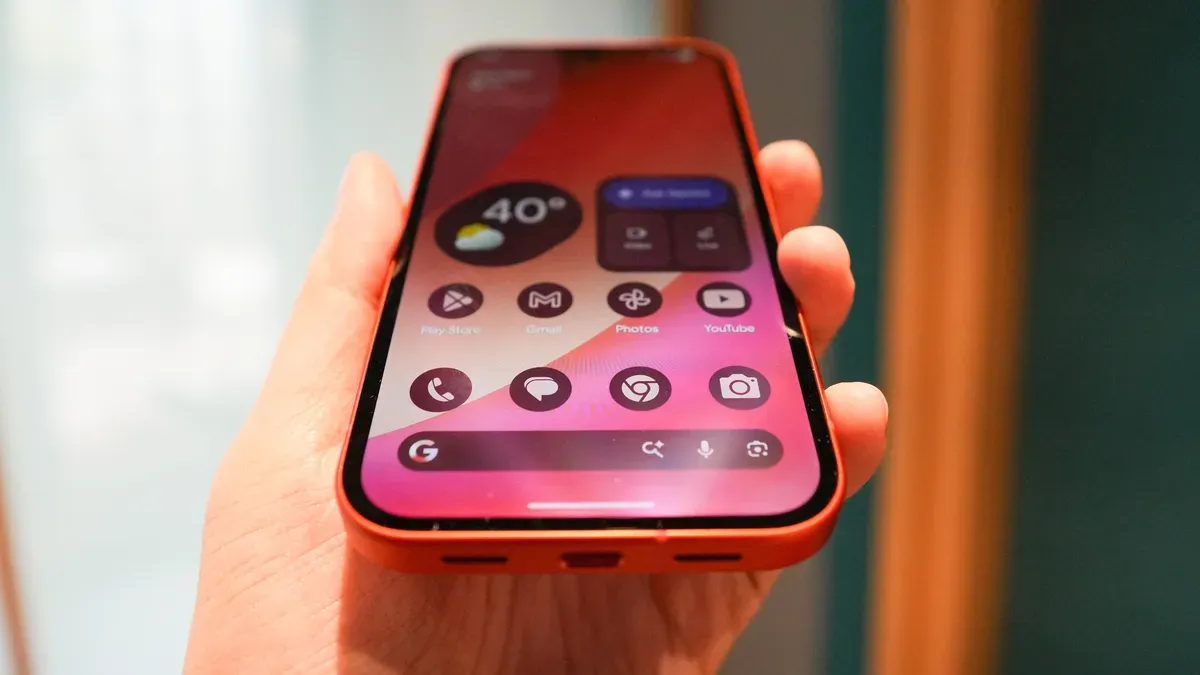
You can repurpose an old Android phone as a free Wi‑Fi extender to fix dead spots where connections buffer, drop, or refuse to load. I used a spare Pixel and found it delivers a usable connection in problem areas without buying extra hardware. All you need is an Android with hotspot support, access to your home Wi‑Fi, and a charger.
Connect the phone to your Wi‑Fi, then enable the Wi‑Fi hotspot (Settings > Network and internet > Hotspot and tethering; on Samsung: Settings > Connections > Mobile Hotspot and Tethering) and set a network name and password. In the hotspot menu you can choose frequency (2.4, 5, or 6 GHz), enable auto‑off when no devices are connected, or allow instant connections for devices on your Google account.
Make sure mobile data is disabled so the phone rebroadcasts your home Wi‑Fi rather than switching to cellular (Settings > Network and internet > SIMs and turn off mobile data, or remove the SIM/eSIM).
android phone, wi-fi extender, wi-fi hotspot, hotspot tethering, home wi-fi, pixel phone, dead spots, 2.4 ghz, 5 ghz, mobile data