These CarPlay apps proved essential during 25,000 miles of driving
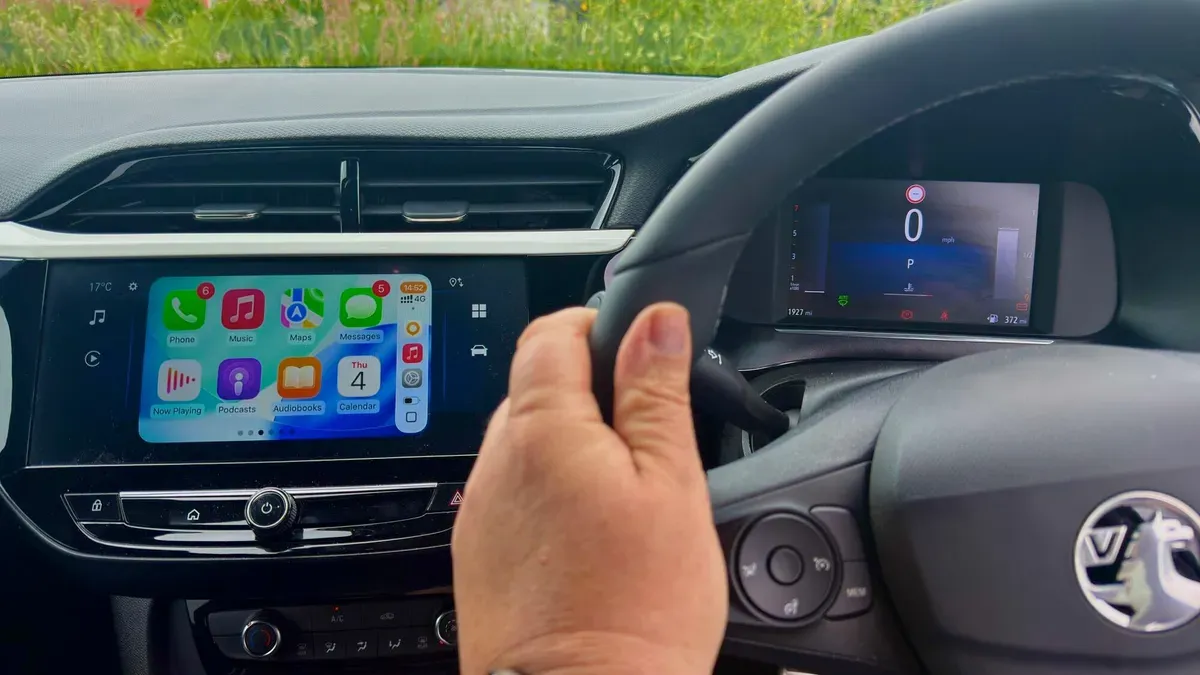
I spent more than 25,000 miles behind the wheel last year and, as an iPhone user, relied largely on Apple CarPlay to make long trips smoother. CarPlay usually helps keep attention on driving, though a few times it stopped working and I had to switch to an old handset and try Android Auto instead.
My driving rule is simple: keep fiddling to a minimum and pull over for anything that needs more than a quick tap or a Siri command. You can clean up your CarPlay screen on your iPhone by going to Settings → CarPlay, selecting your vehicle and tapping Customize to remove or rearrange apps.
Remember that the CarPlay interface is stripped back, leans on Siri, limits some apps to audio-only, and can suffer connectivity hiccups as you move between cells at speeds of up to 85 mph. For navigation I default to Waze and keep Google Maps as a backup; if you need offline or off-road maps, OsmAnd is a powerful option (it requires a paid subscription for CarPlay).
carplay, iphone, siri, android auto, waze, google maps, osmand, offline maps, connectivity, navigation