Android keyboard may be tracking you — two ways to stop it
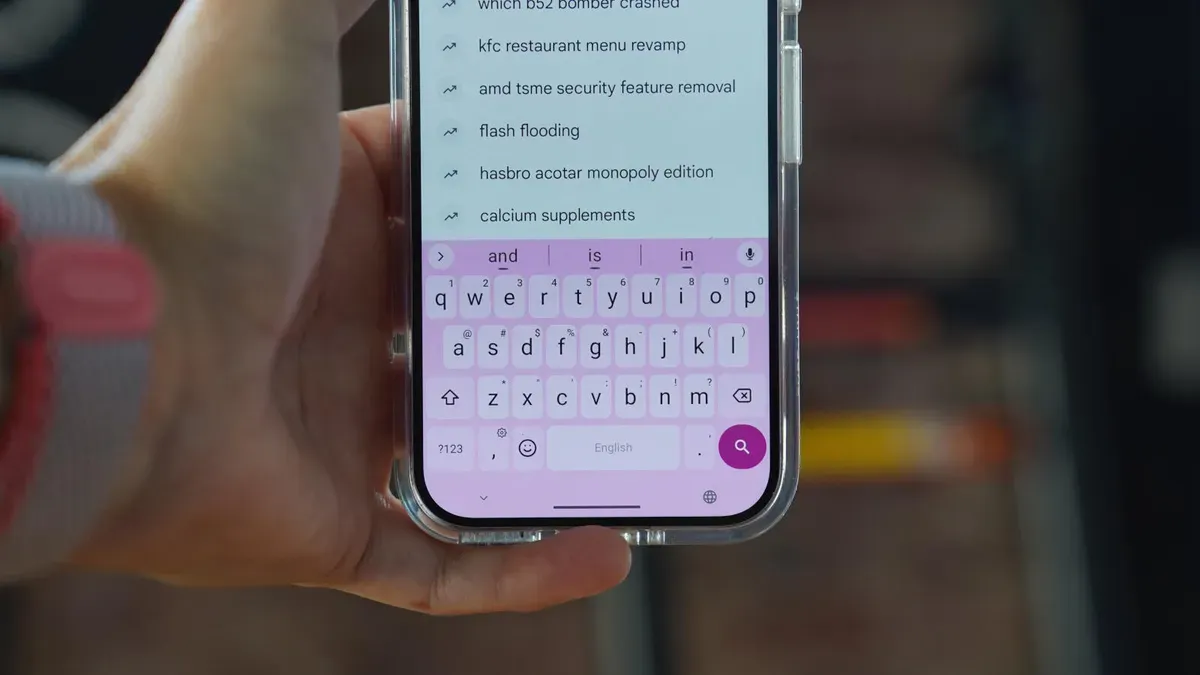
Your default Android keyboard can collect typing data because features such as autocorrect, typing suggestions and cloud-based AI use an internet connection. That can mean usage statistics, personalized corrections and even short audio snippets are sent off the device.
You can limit this by adjusting Gboard’s privacy settings. Disable Share usage statistics, Personalize for you, Improve for everyone and Audio donations. To turn these off, open the Settings app, type languages, tap Languages Gboard, tap Privacy, and move each On/Off slider to the Off position.
An alternative is to use FUTO Keyboard, an open-source replacement that runs everything on-device and preserves a Gboard-like look and feel. Install it from the Google Play Store (search for FUTO and tap Install), complete the onboarding wizard, and customize languages, typing, swipe typing, text prediction, voice input, actions and themes.
android, gboard, keyboard tracking, typing data, autocorrect, typing suggestions, cloud ai, futo keyboard, open-source, privacy settings