Alpine Linux: a crazy-fast desktop distro with one caveat
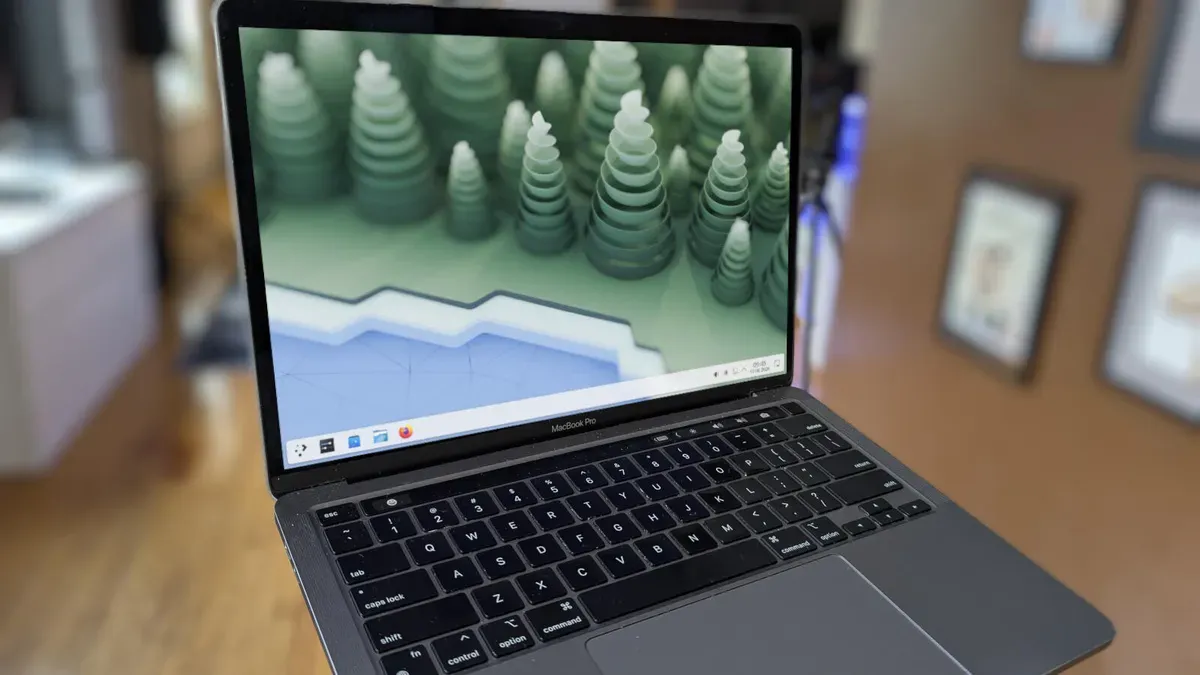
Alpine Linux is a very minimal, security-focused distribution often used for containers because its base image is incredibly small (between 2.67 and 5 MB). It can be shaped into a lightning-fast desktop, but there is a big asterisk: it doesn’t ship with a desktop environment, sudo, or even bash, so getting a usable desktop takes some work.
Installation is text-based but straightforward. Create a bootable USB, boot it, log in as root and run setup-alpine, then answer prompts to set the keyboard, hostname, network, root password, time zone, mirror, a regular user, SSH daemon and partition (type sys for a traditional install).
Reboot and log in as the standard user you created. To install KDE Plasma, enable the community repository and install nano, then install bash and sudo and reboot. Log back in, run setup-desktop and type plasma to install the desktop, then reboot again.
alpine linux, minimal, security-focused, containers, base image, kde plasma, desktop environment, bash, sudo, setup-alpine